

Design Contributors
Stephan Church - Lead Product Designer | Marketing Support
Dan Radez - Backend Development
Hummingbird Creative - Marketing
Timeframe
January 2025 - Present Day
Programs
Blender | Claude AI | Figma | Front-end Design/Development | Illustrator | Photoshop | Podman Desktop | Premiere | Vue 3
I was brought on to the 4Rivrs team as a part time contractor in January 2025 to develop the design of the 4rivrs web app.
This app would be used to create and automate Stormwater Pollution Prevention Plans (SWPPP), something new to the industry. My initial work focused on the research,
work in figma, and extensive documentation for the programming team. On Aug 2025, I was brought on full time as the Lead Product Designer with my primary job to work
with the backend developers to bring the product to life.

“I hired Stephan as the first person to work on 4RIVRS. Before there was a team, a codebase, or a customer, there was an idea in my head, and Stephan was the first person to see it clearly enough to draw it. Every screen in our platform traces back to him. He took it from early Figma concepts to the…”“I hired Stephan as the first person to work on 4RIVRS. Before there was a team, a codebase, or a customer, there was an idea in my head, and Stephan was the first person to see it clearly enough to draw it. Every screen in our platform traces back to him. He took it from early Figma concepts to the production app our customers rely on for environmental compliance.
Stephan designed the entire product to work in the field, including the hardest, most regulation-heavy workflows, where it would have been easy to give up and leave them for the desk. When we were working out how to onboard customers, Stephan came up with the solution that won. Customers soon proved it out by getting through that step entirely on their own, without help from our team.
His work went well beyond visuals. He built and owned our design system, and he ran our beta program and formal customer acceptance testing. He didn’t just design the product; he made sure it actually worked for the people using it.
Stephan is a rare product thinker. Any team building a complex product from the ground up would be fortunate to have him. I recommend him without reservation.”
App Design
App.4rivrs
The app had to cater to a dynamic audience: different demographics, responsibilities, values, industries, and sizes all while
simplifying a complex process into something quick and acessible. After plenty of exploration and testing we landed on the current
layout.
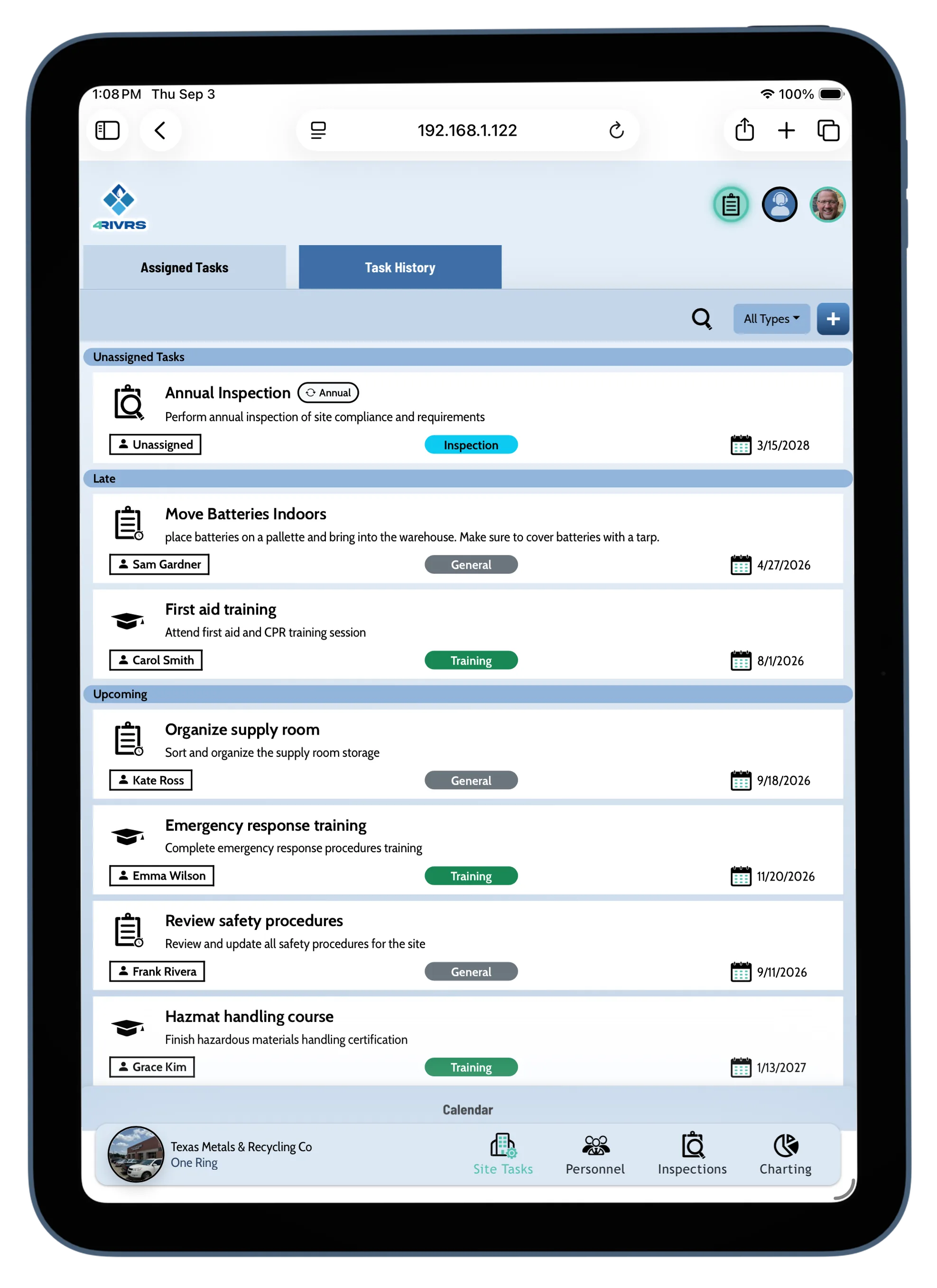
Site Items
There is a lot that goes into a SWPPP. However most material is rarely engaged with. We organized data from a user perspective to nest necessary
but rarely engaged data from user and team tools that would serve the bulk of the user's experience.
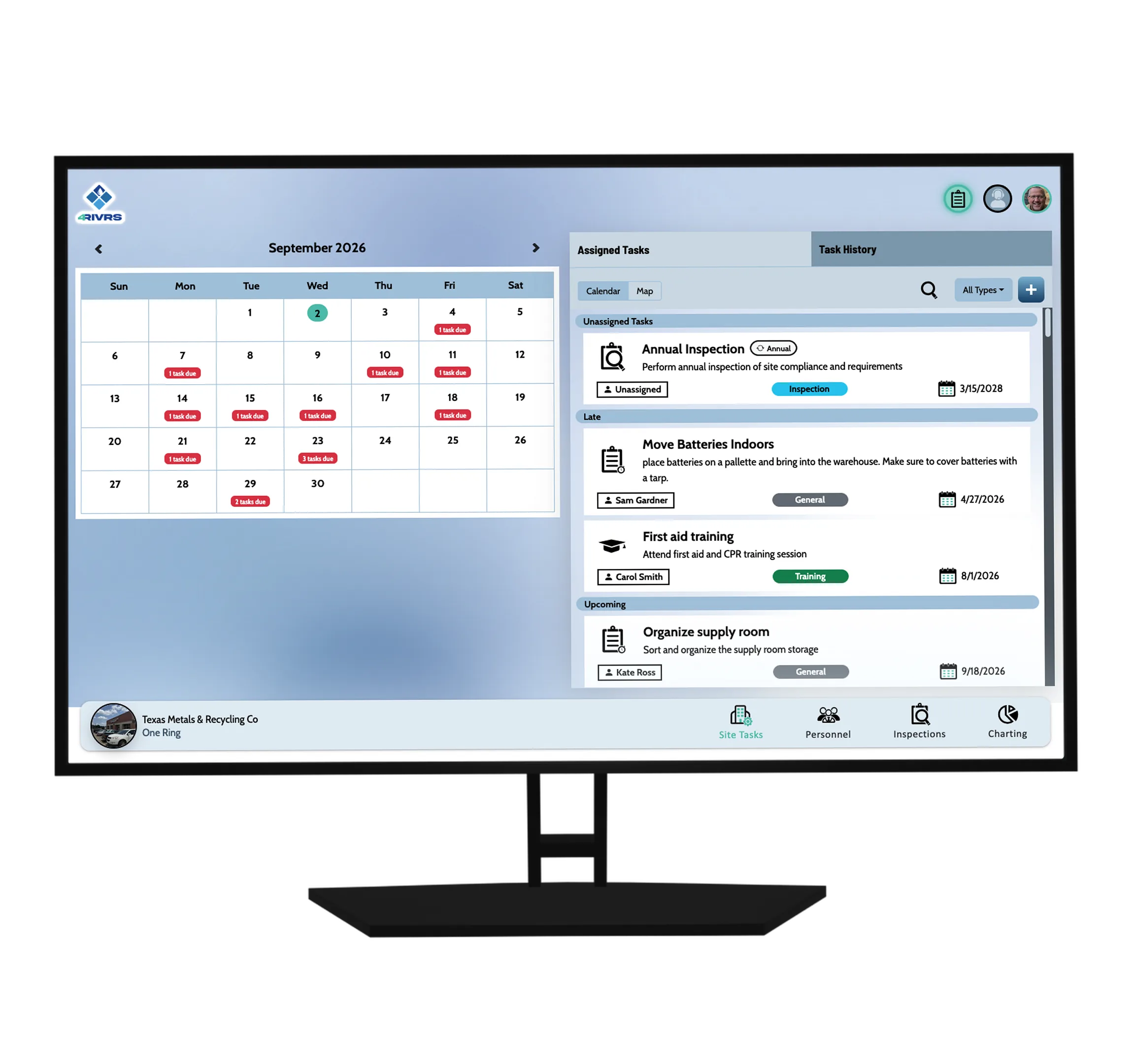
Site Tasks
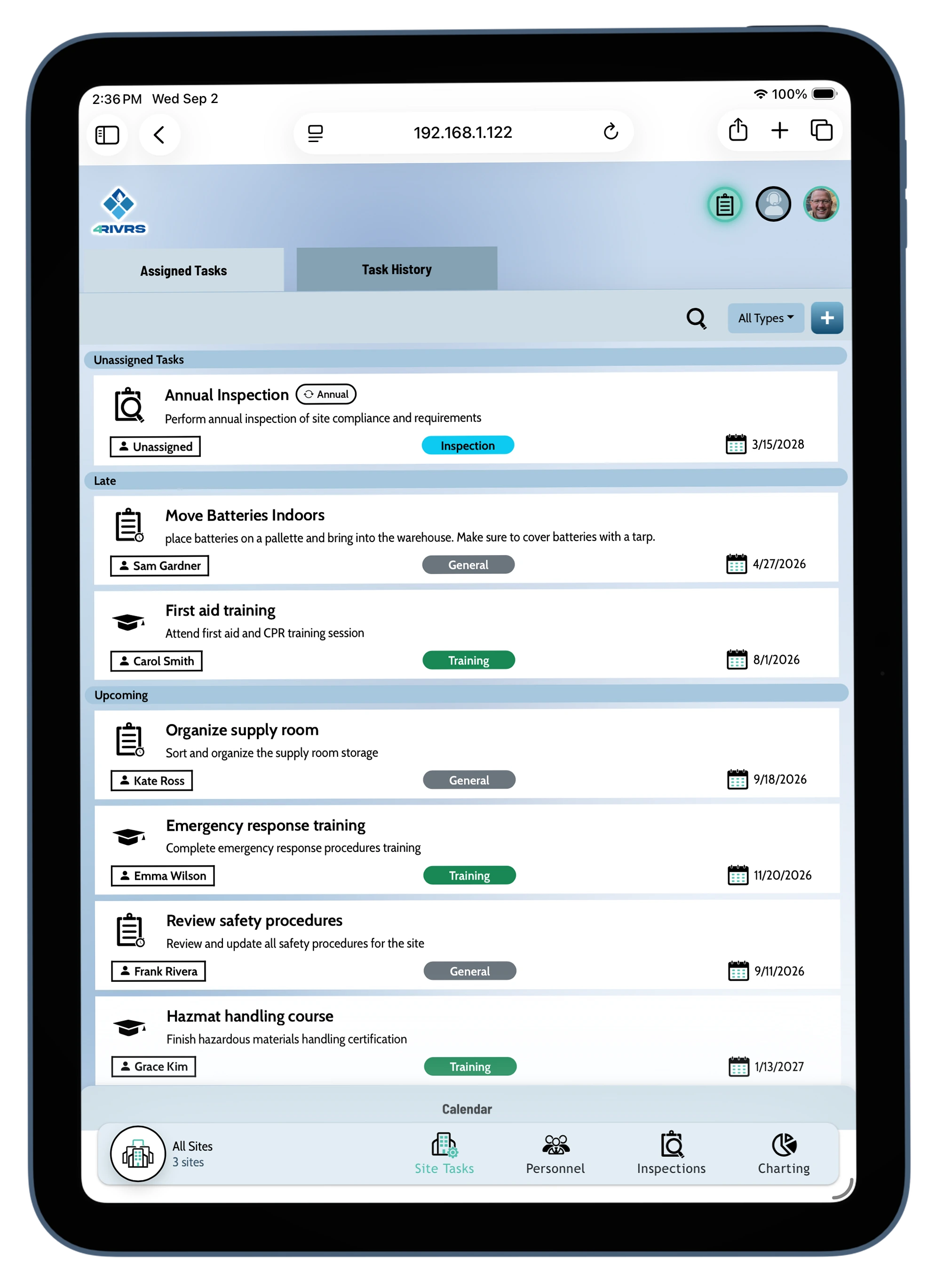
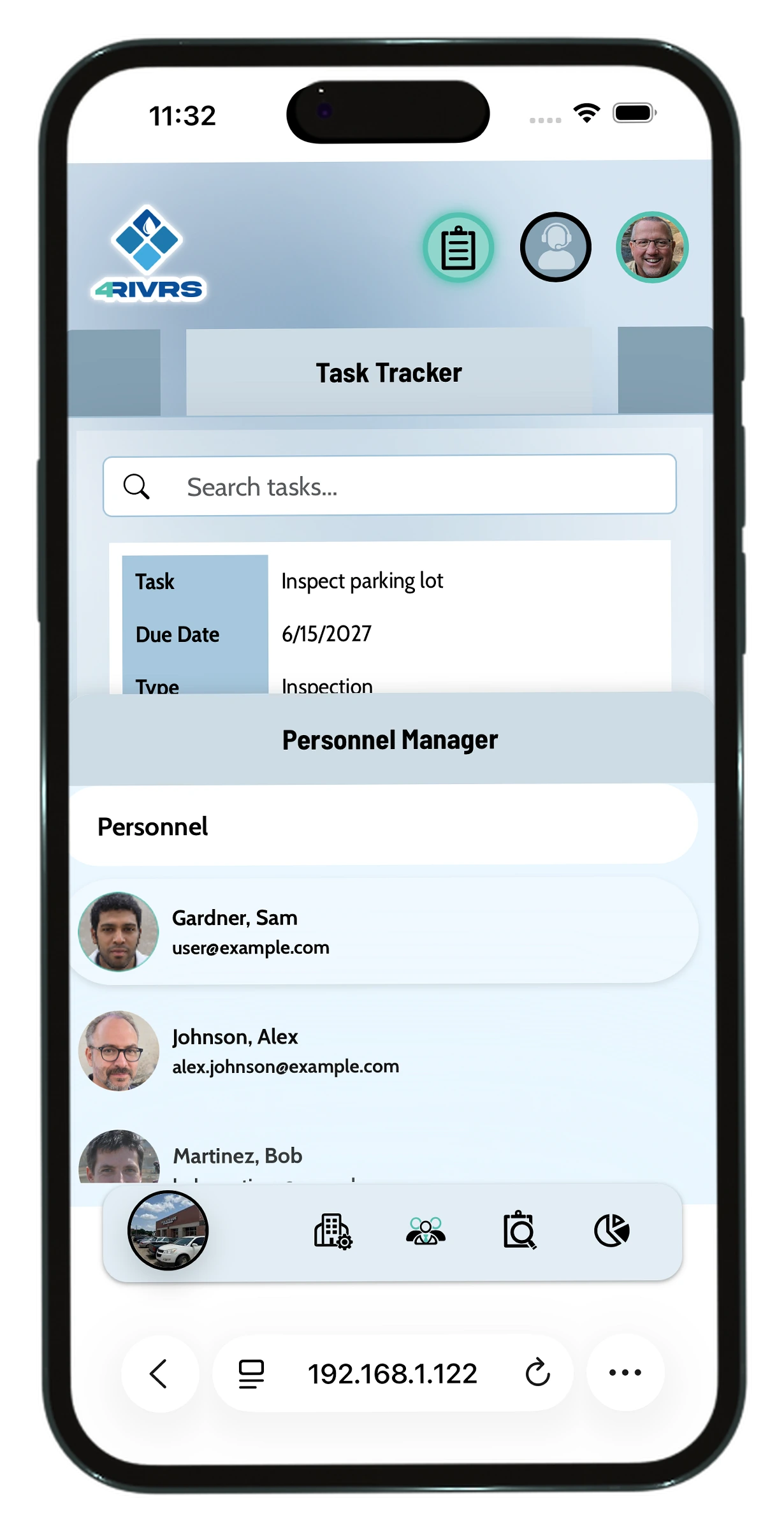
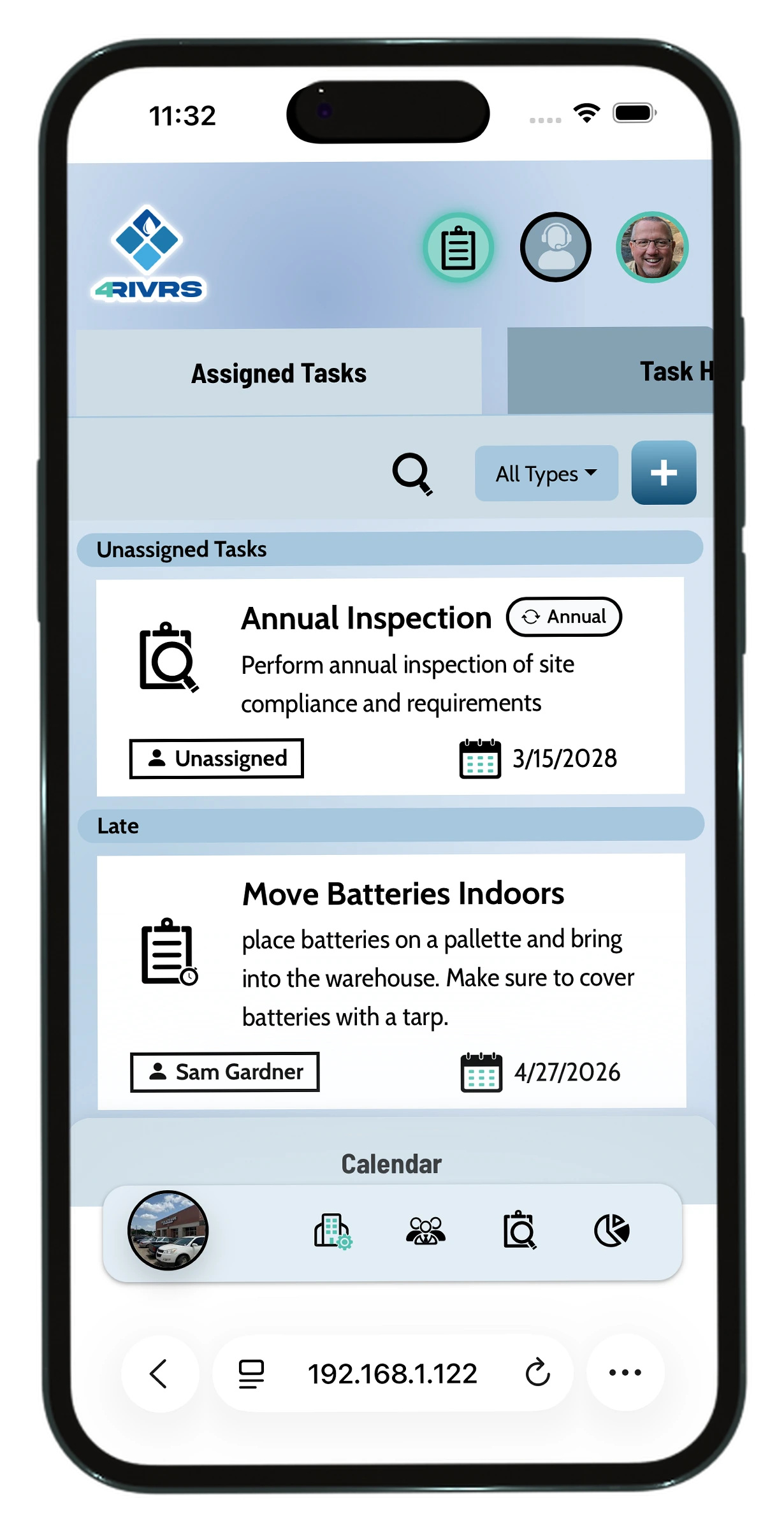
we simplified all requirements into tasks that would show up here. The user can organize, manage and complete tasks from this window.
Personnel
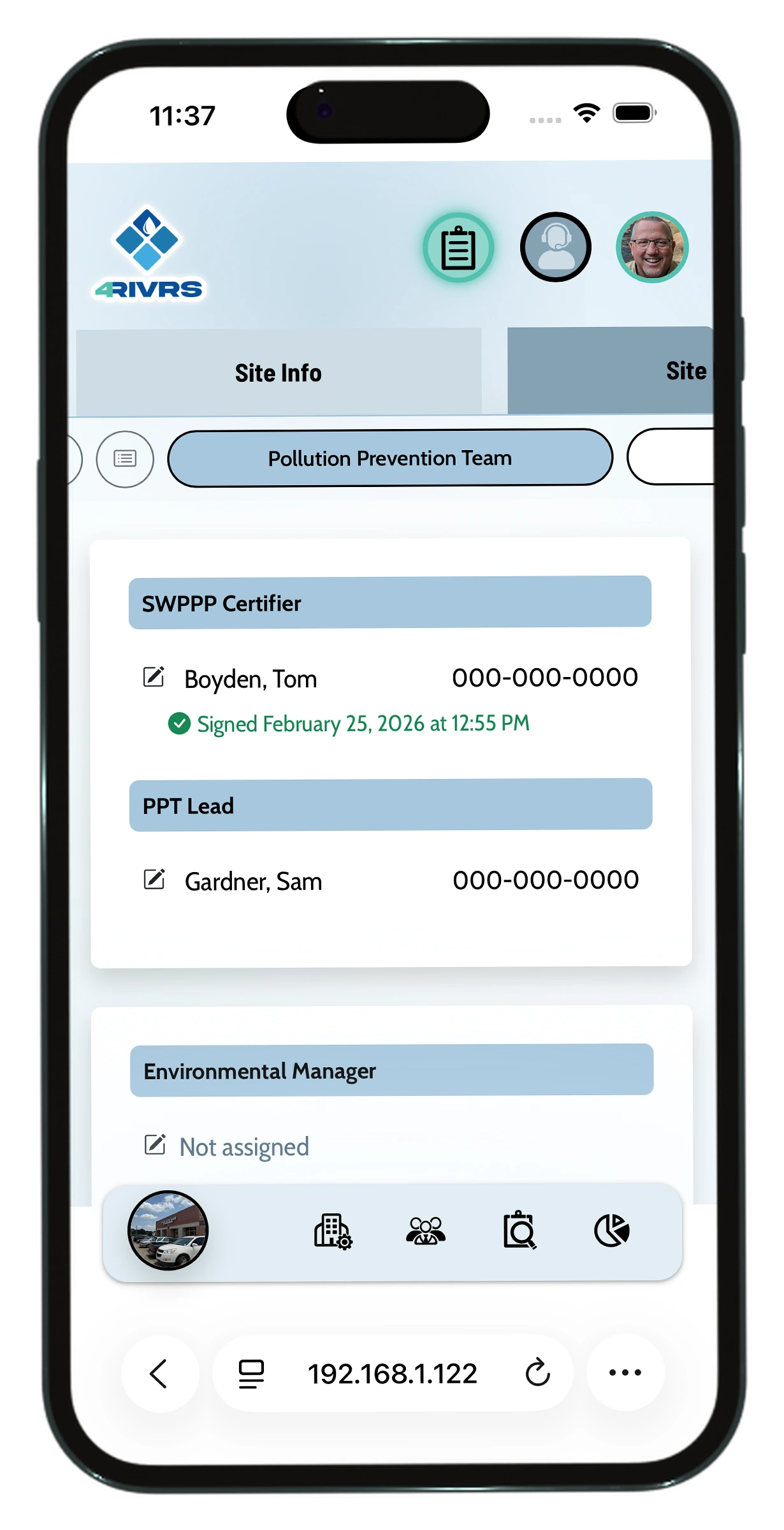
Allows the user to manage personnel on a high and low level.
Inspections
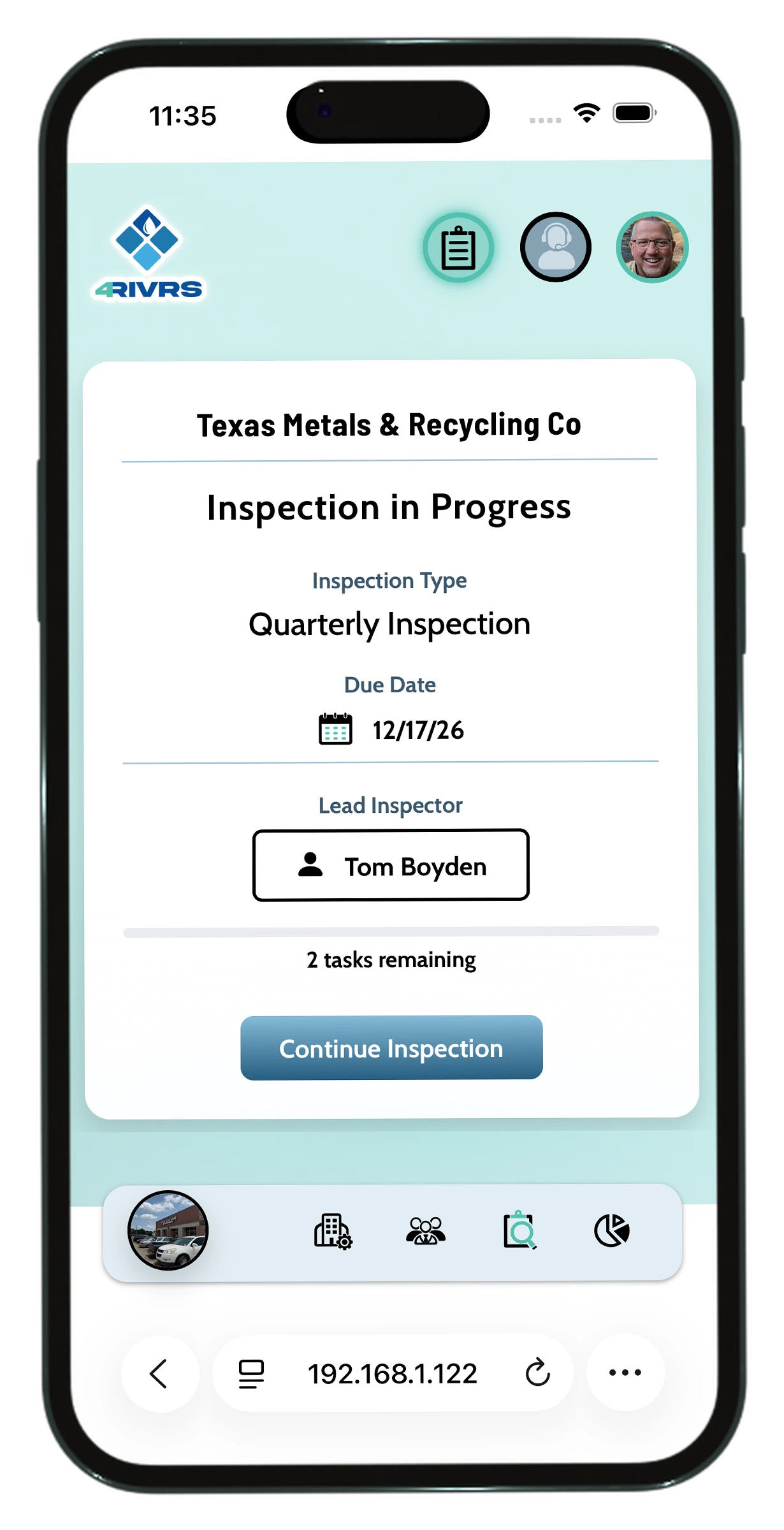
Informs the user of inspections coming up and leads into the inspection interface.
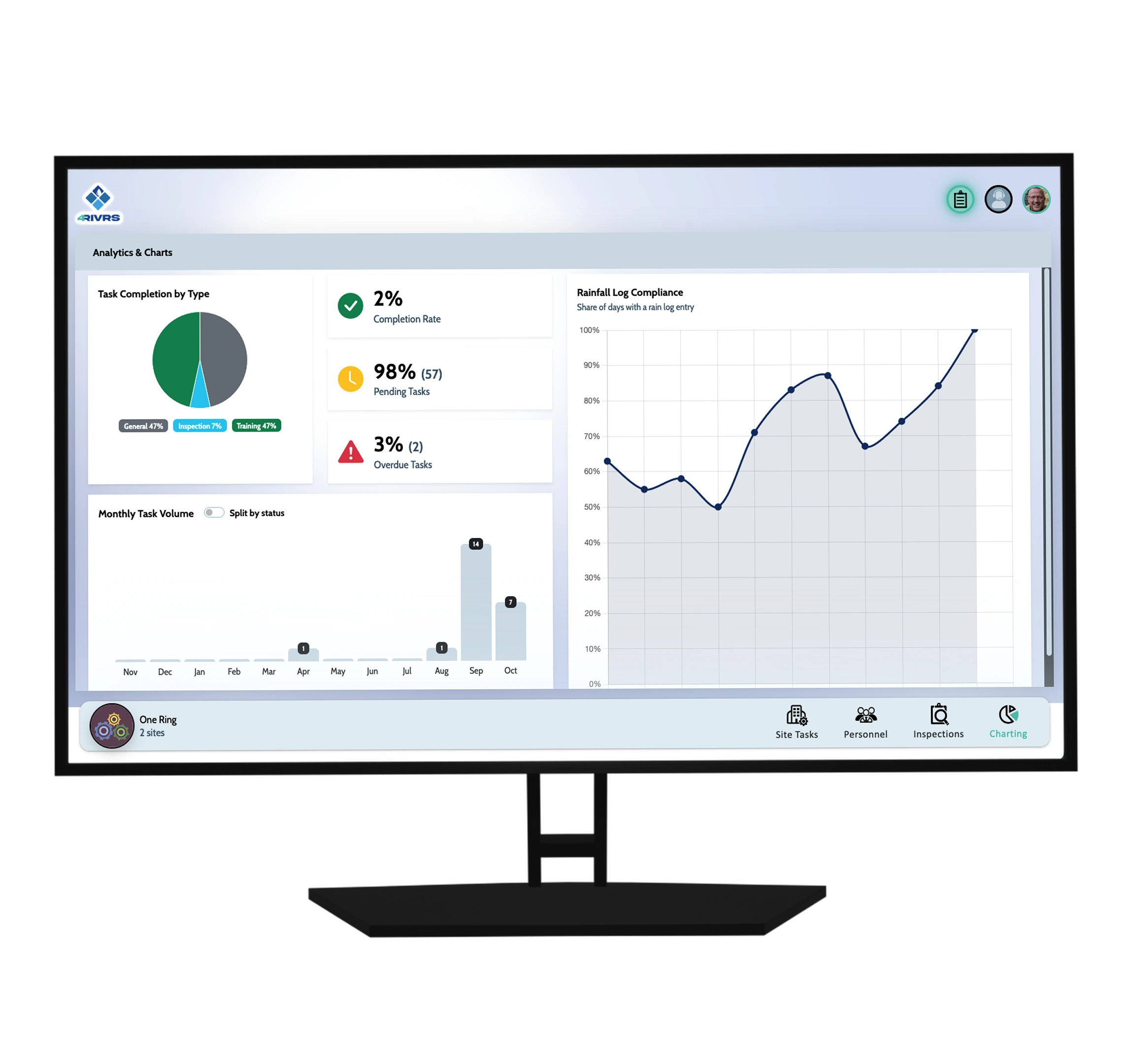
Charting
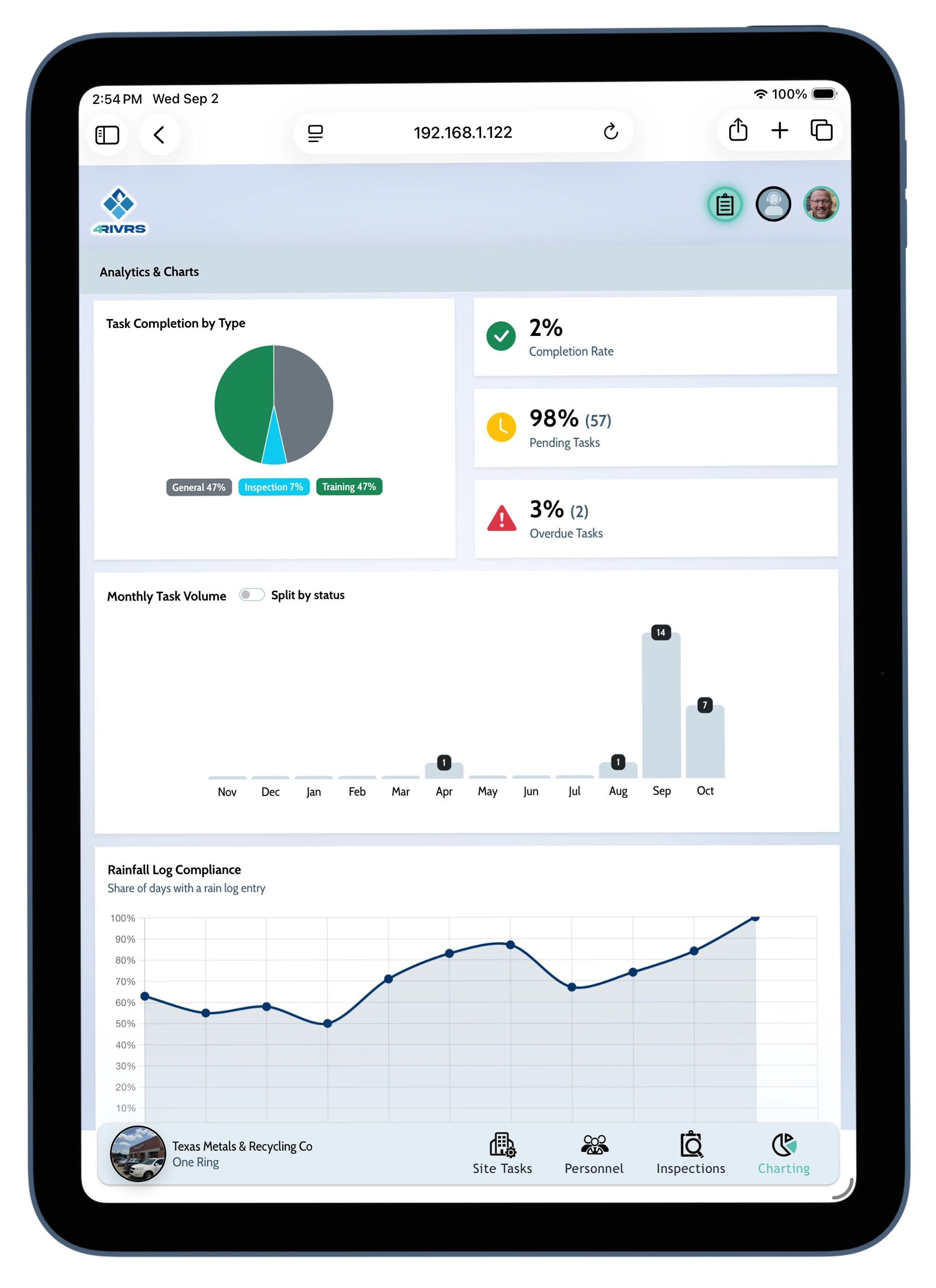
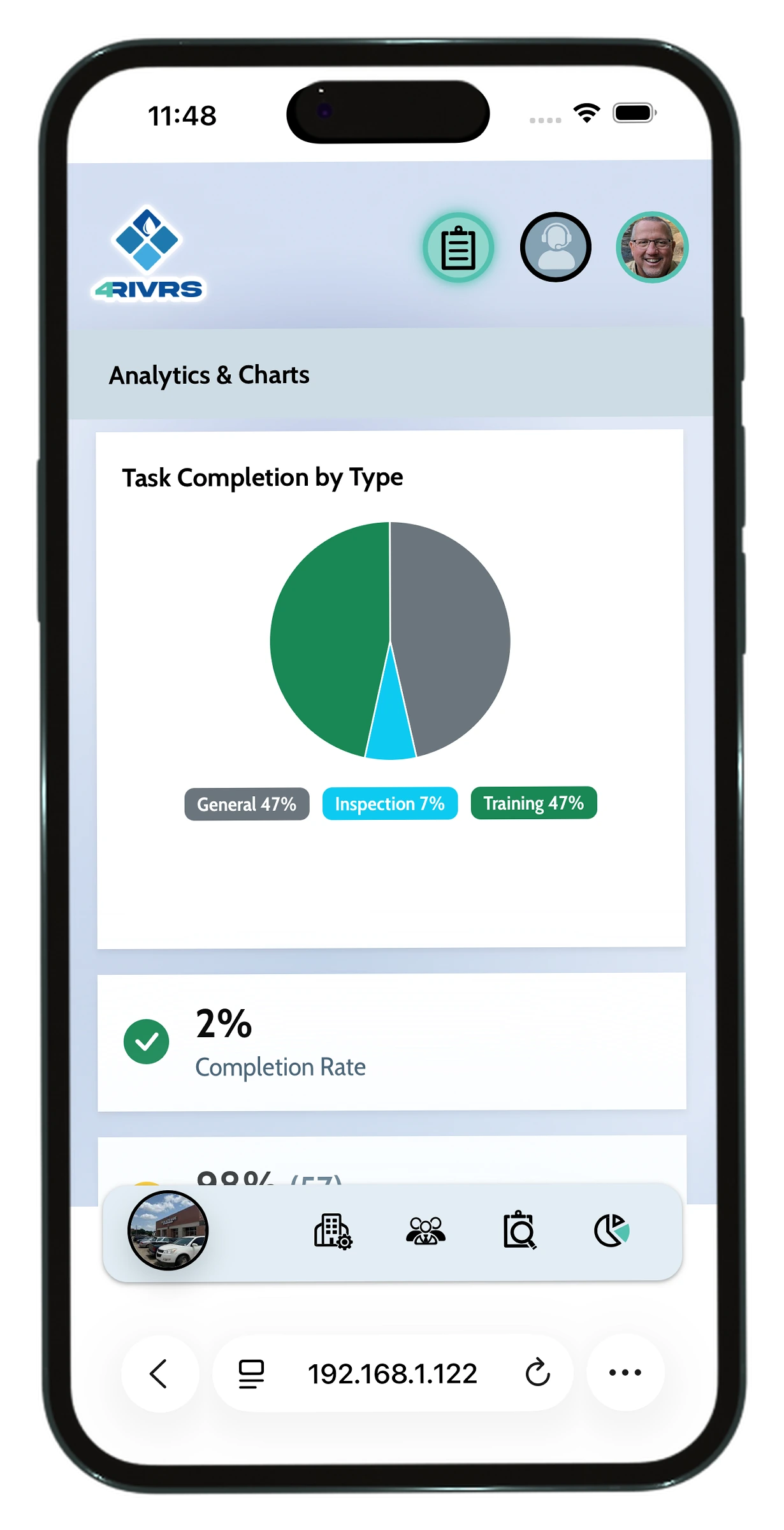
Allows for a quick diegetic view of site and organization performance.
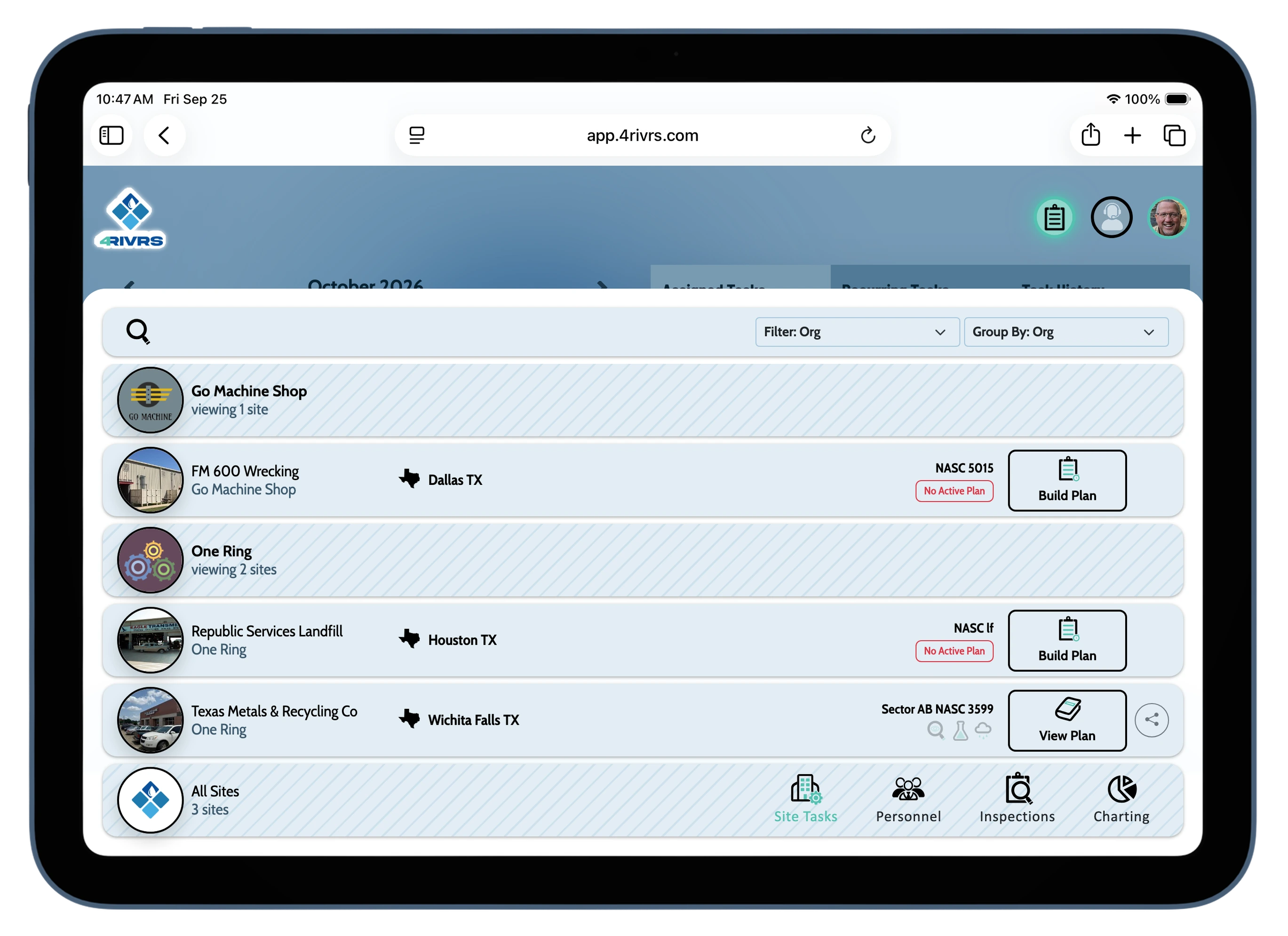
Site Filters and Documents
It was important to be able to manage sites on multiple levels. By treating site options as a filter we were able to do that while maintaining a simplified user interface. The site plan was place inside of this pathway due to its low navigational prioritization and direct connection with particular active sites.Personal Items
When initially testing tasks, users showed a pattern of confusion with the navigation in relation to tasks. To clear confusion I moved tasks from
being a page to tab that persist on page...effectively making it a navigation tool for quick movement through the app.
My Tasks
Allows users a quick view of tasks that need to be completed.
Support
This serves as the app's support contact.
My Account
Gives the user access to all account related information.
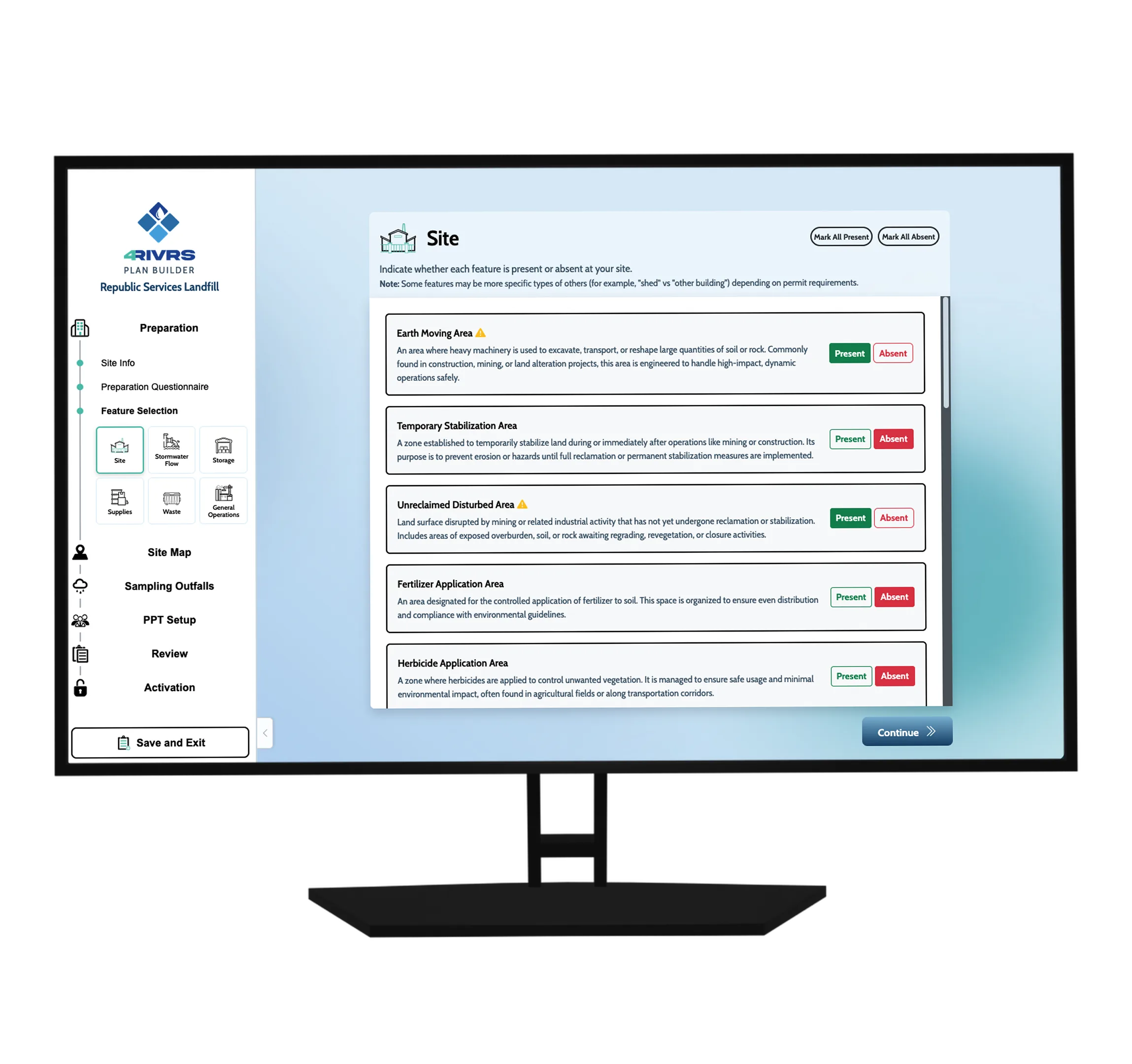
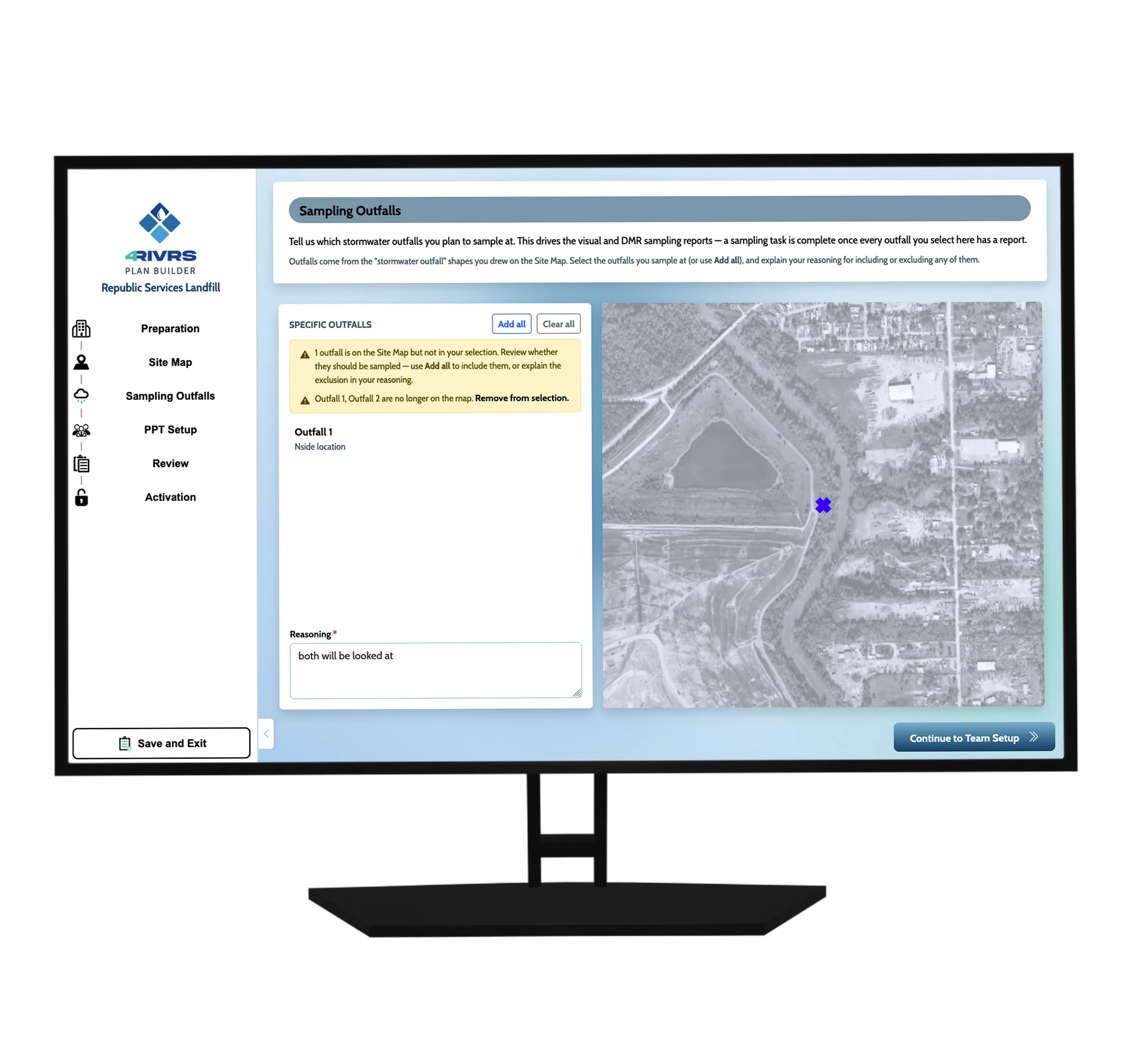
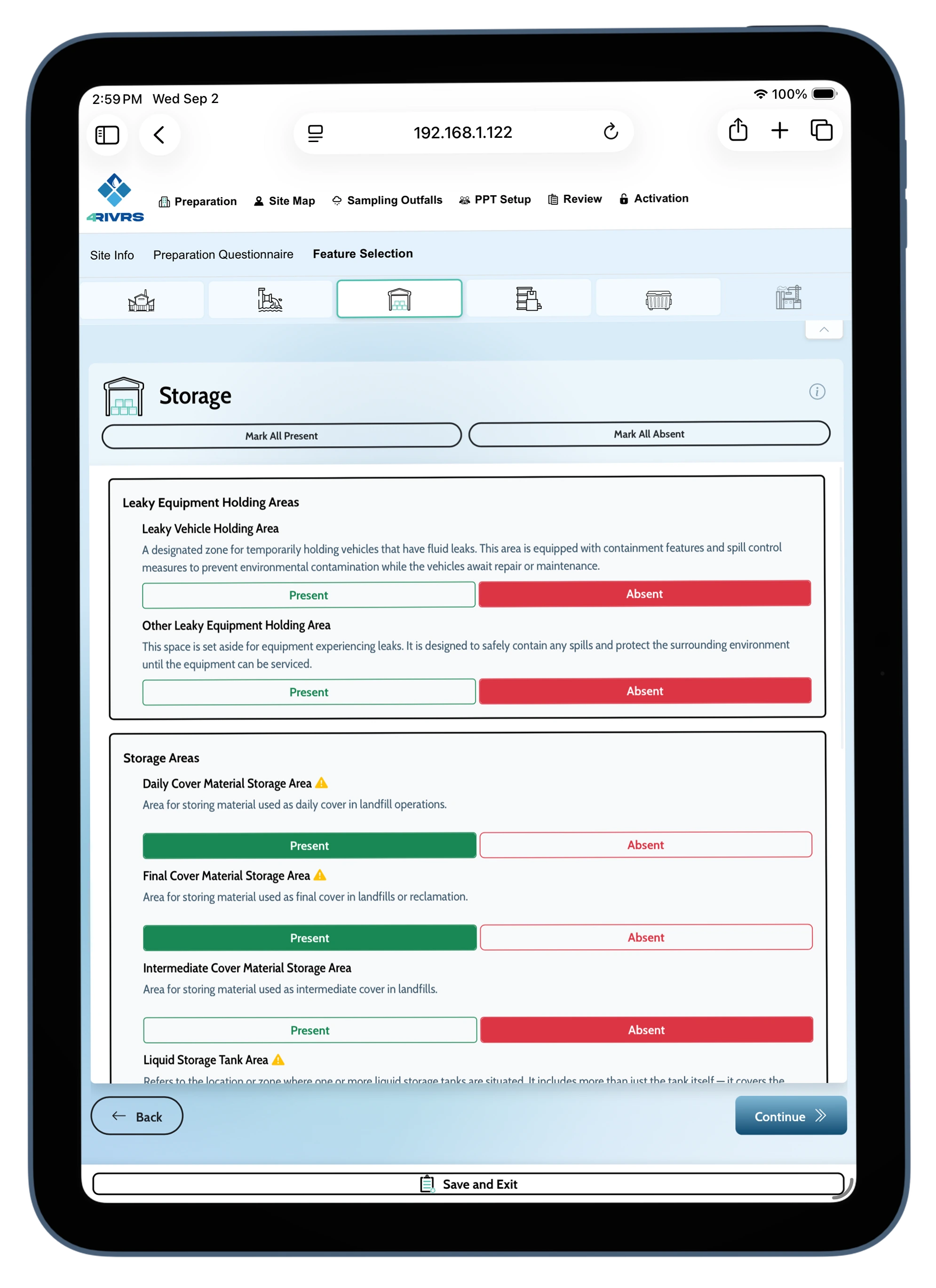
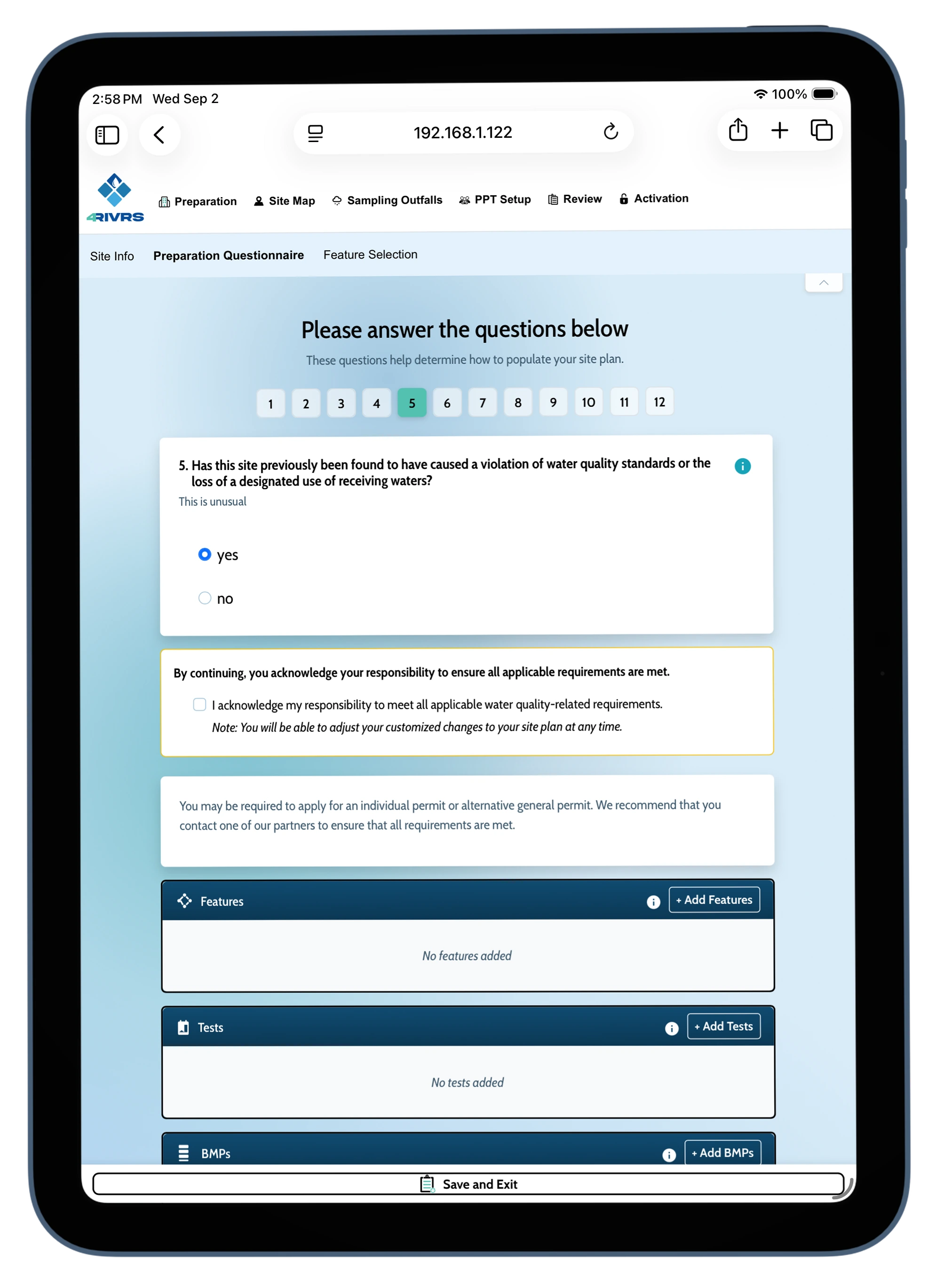
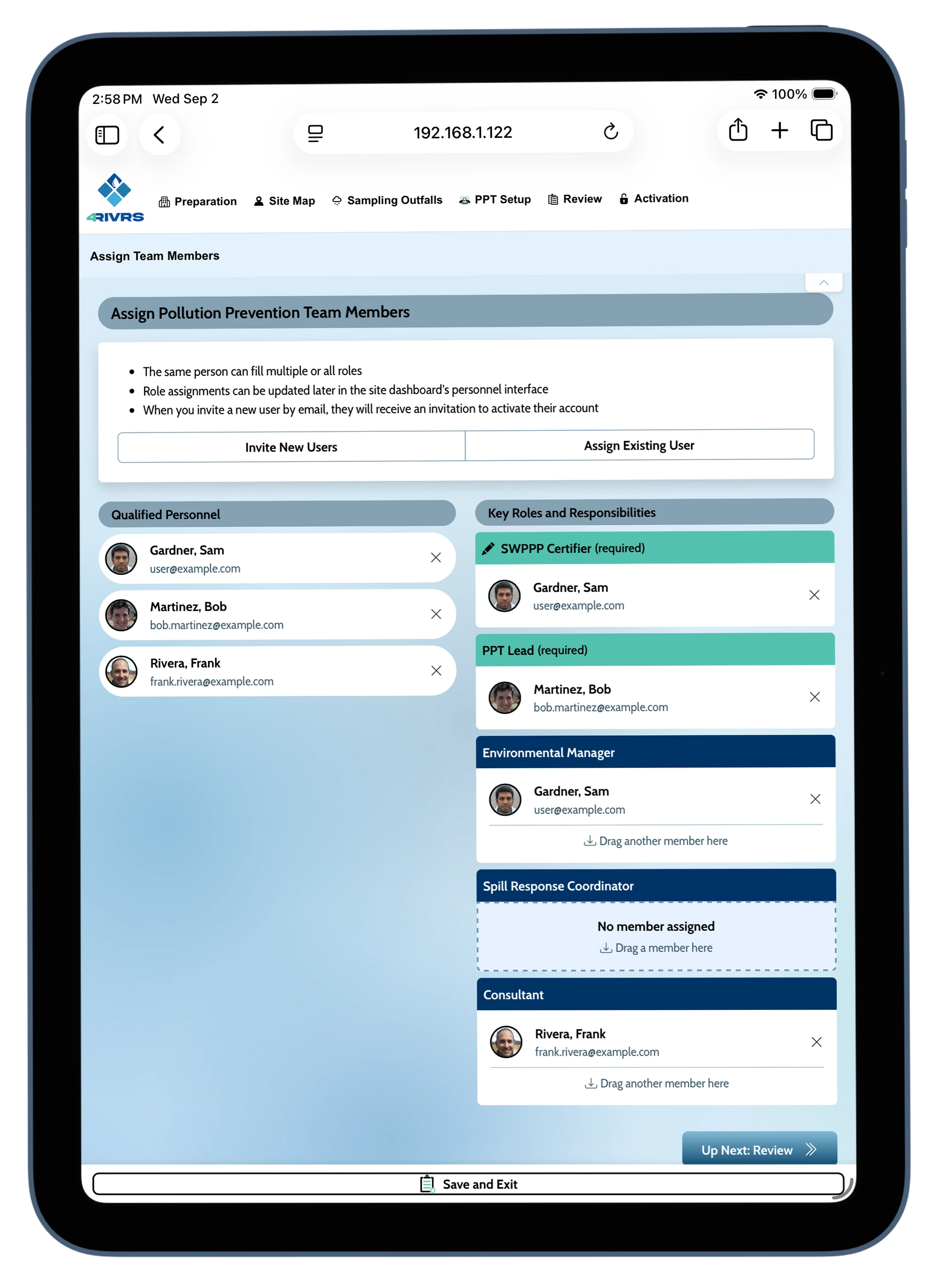
Plan Builder
A big part of the appeal of the app is the plan builder. While only important for the initial stage of plan creation, it required more attention
due to the inherent complexity its dynamic nature.
Research and Development
User Personas, Wireframing & Backend Integration
When I was first brought on the team, I was flown out to Texas to meet one of the founders and see how his consultant business is run.
I was able to connect with many site owners and workers who worked with SWPPPs to understand their pain points. I used that information
to flesh out the user personas and better gauge how infomration could be dynamically generated for multiple types of users.
v1.0 Prototyping in Figma
I worked with the team to design an interface that could function for multiple demographics who might engage with the app.
During this process, the design documentation was used to answer various questions including: prioritization, permission roles,
and wayfinding.
The below document shows the final prototype for the v1.0 general overview. It does not show the work leading up to the creation or the plan builder.
The below document shows the final prototype for the v1.0 general overview. It does not show the work leading up to the creation or the plan builder.
Style Guide
A seperate style guide was created for clarity in communication for the brand. The brand was still being developed at the time and the work presented
here was given to the marketing team to foster cohesion.
Functionality
Plan Builder
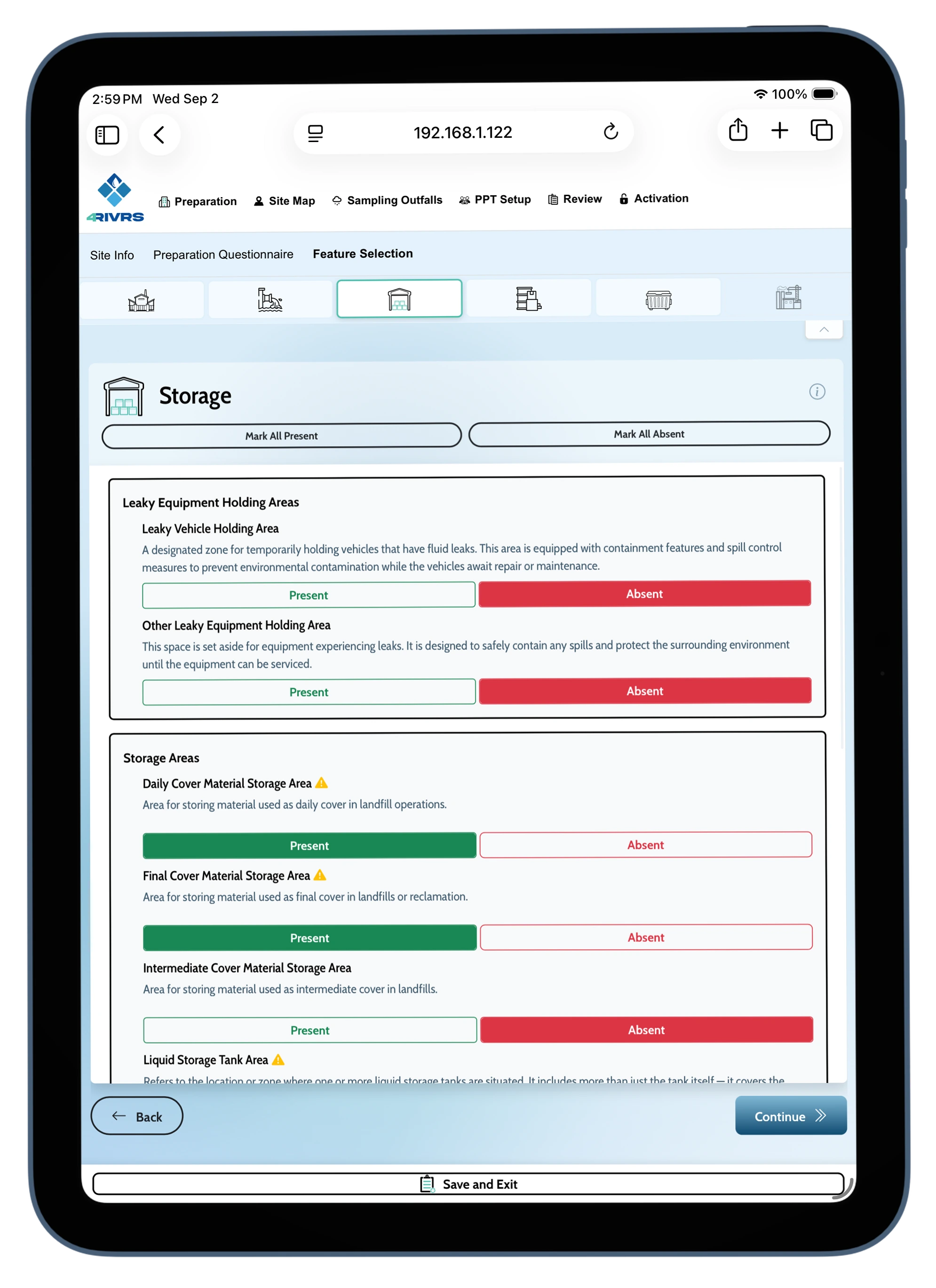
Storwater Pollution Prevention Plan version of "Turbo Tax," this wizard makes a week long process prossible to complete in hours.
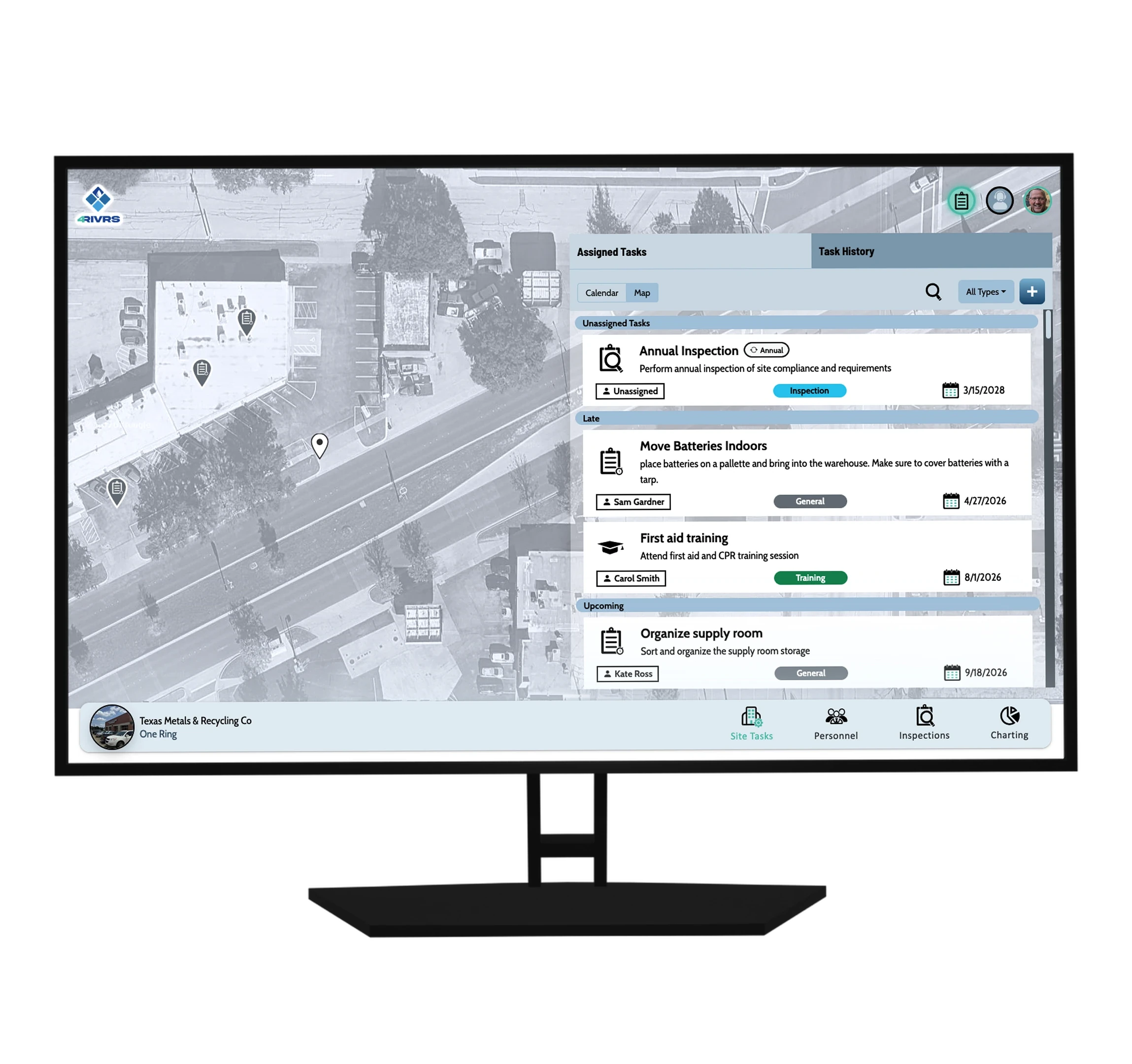
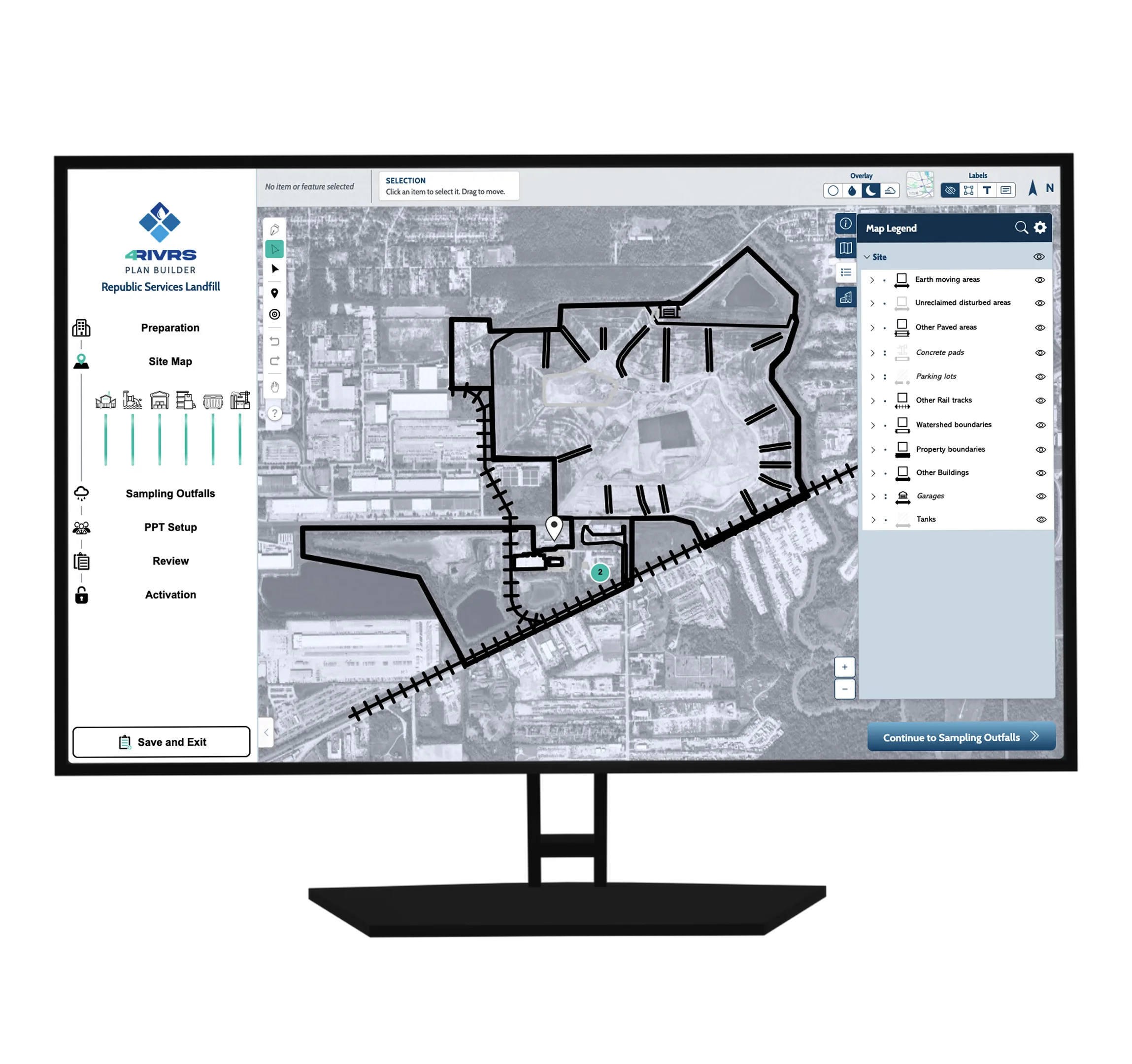
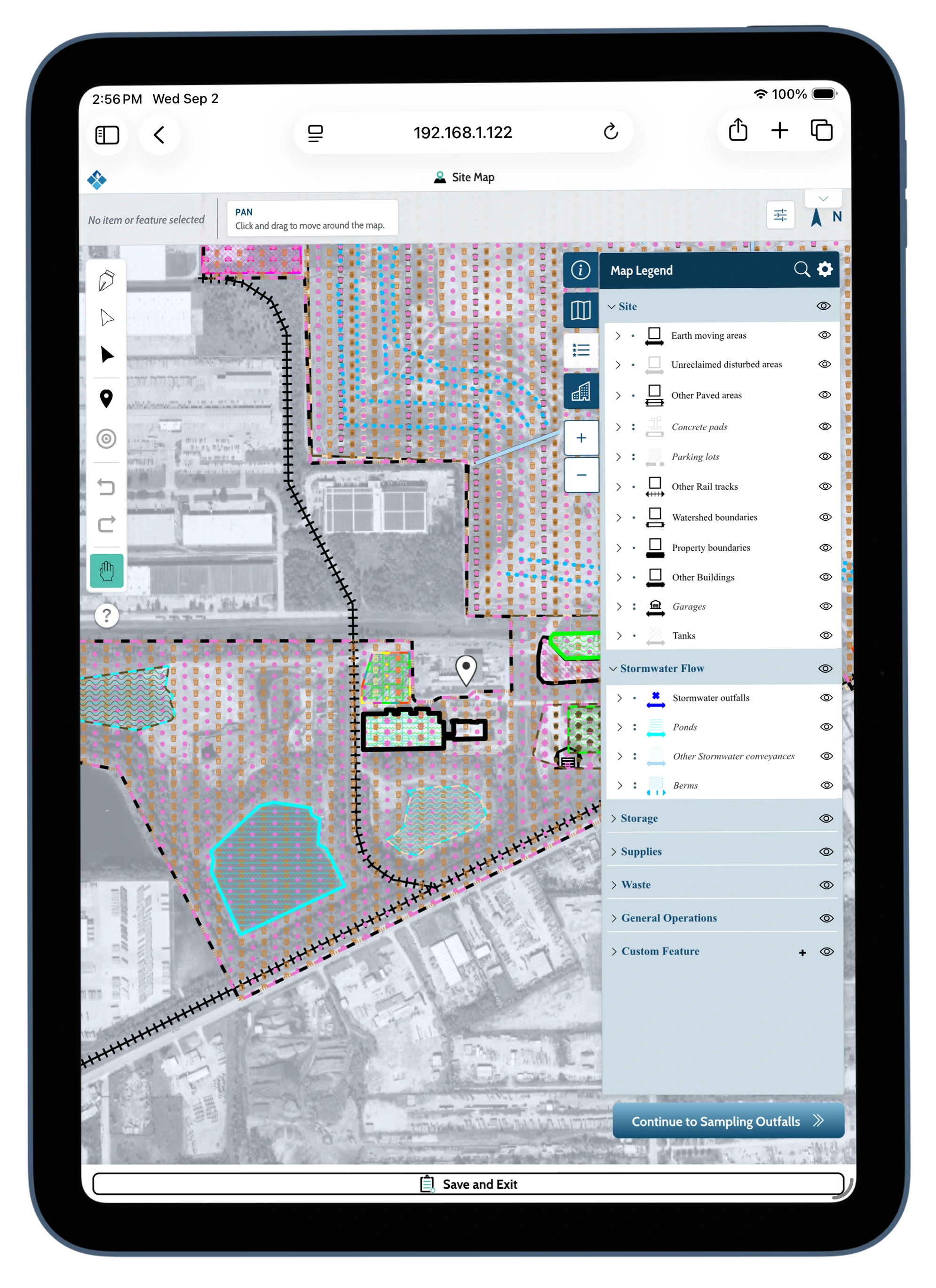
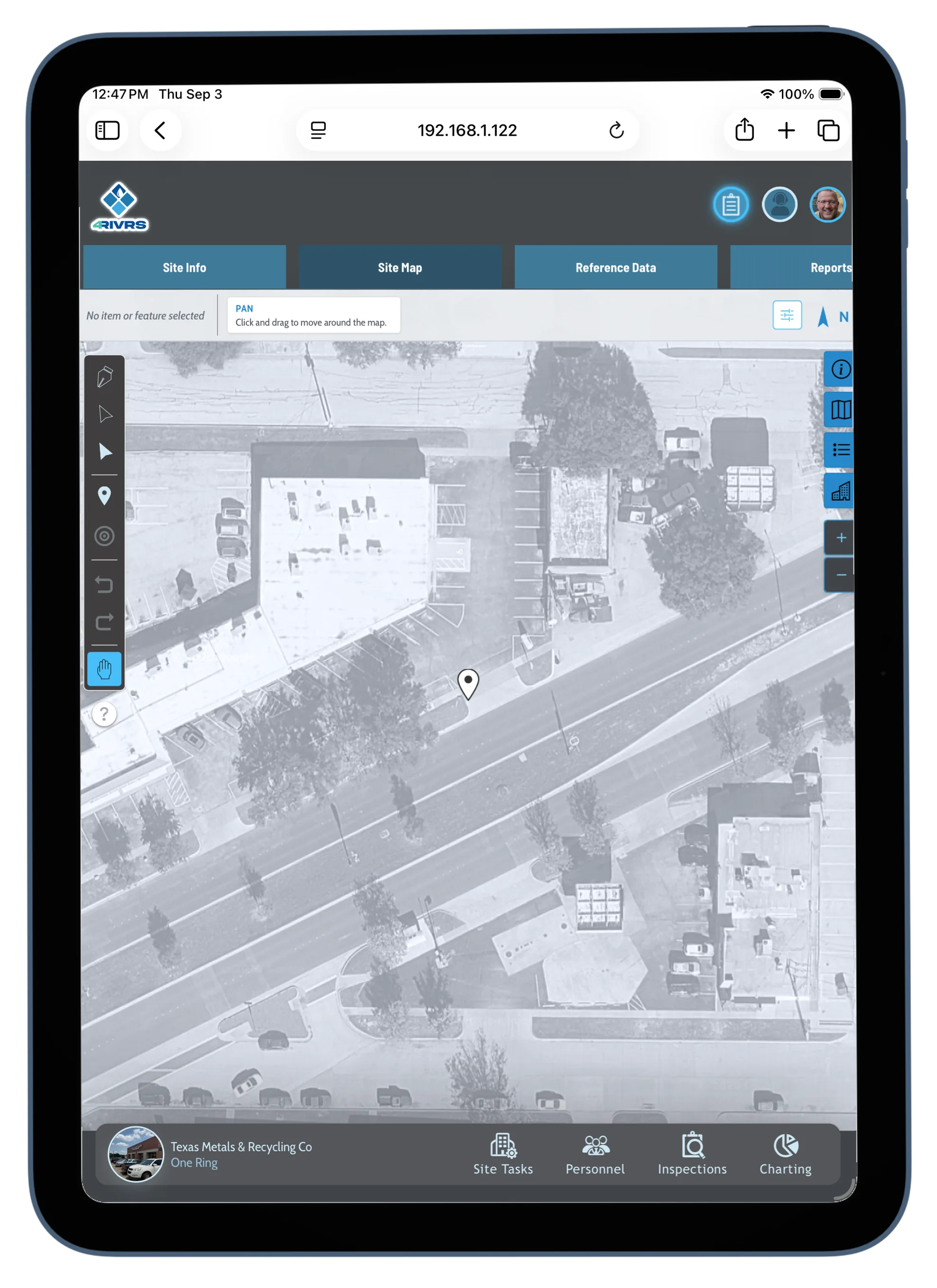
Site Map Tools
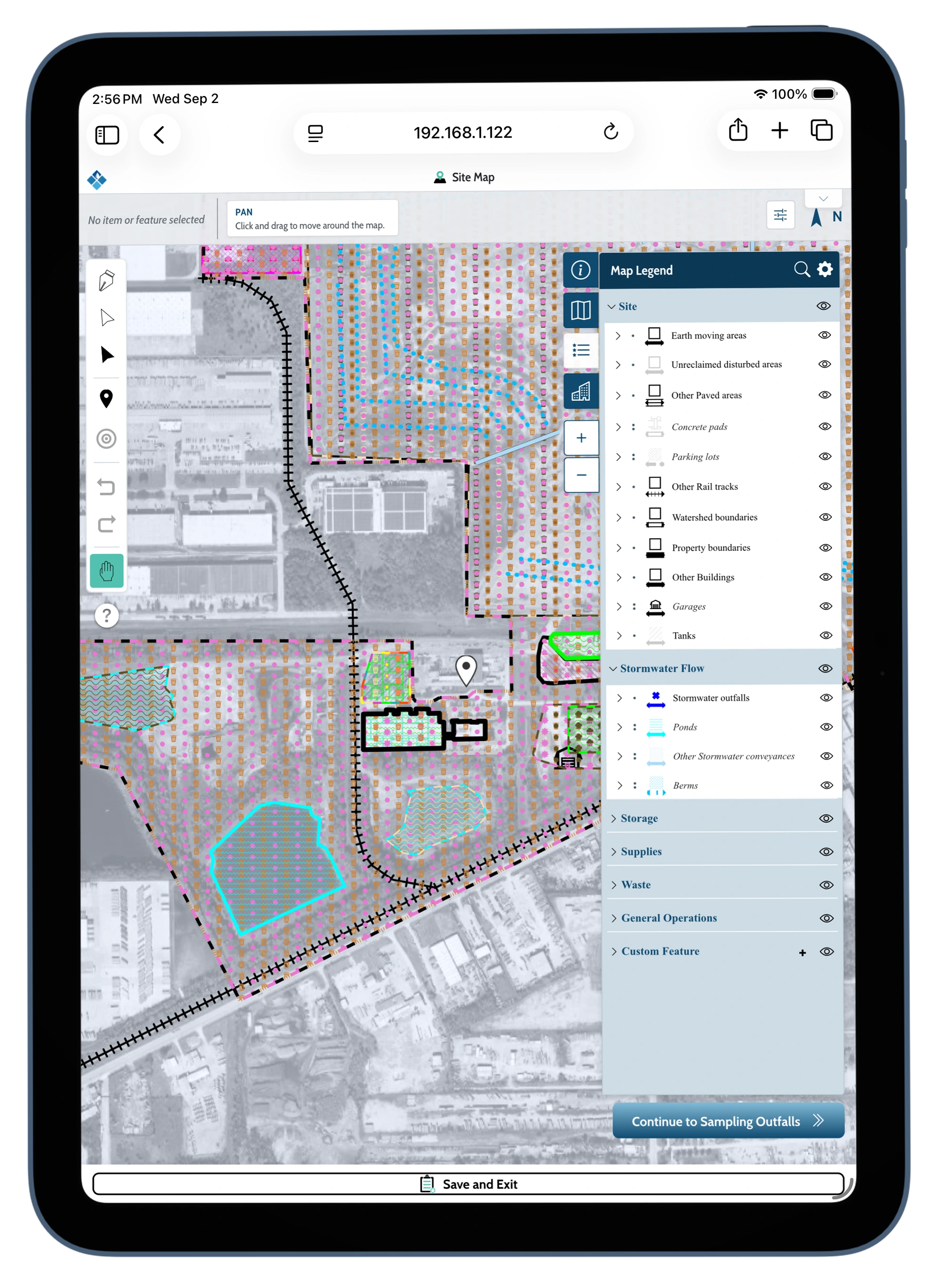
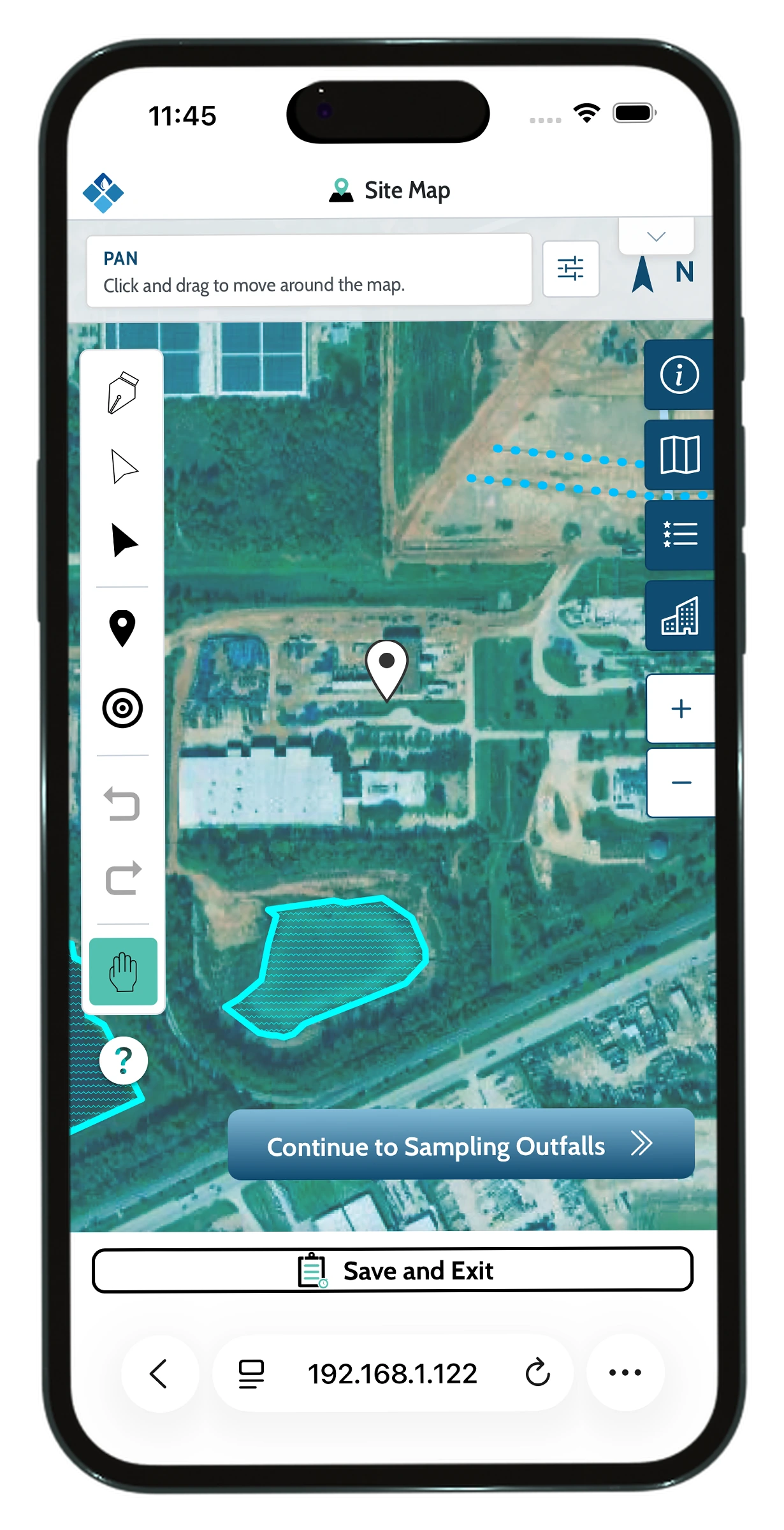
The app integrates with Google maps to allow user to draw and assign items features that can be recognized by the app.
Task Creation
The app allows for dynamic task creation forms for various tasks types. These tasks are integrated throughout the web experience.
Dynamic Inspections
the App uses plan data to create personalized inspections with mapping features and automated task creation.
Accessibility
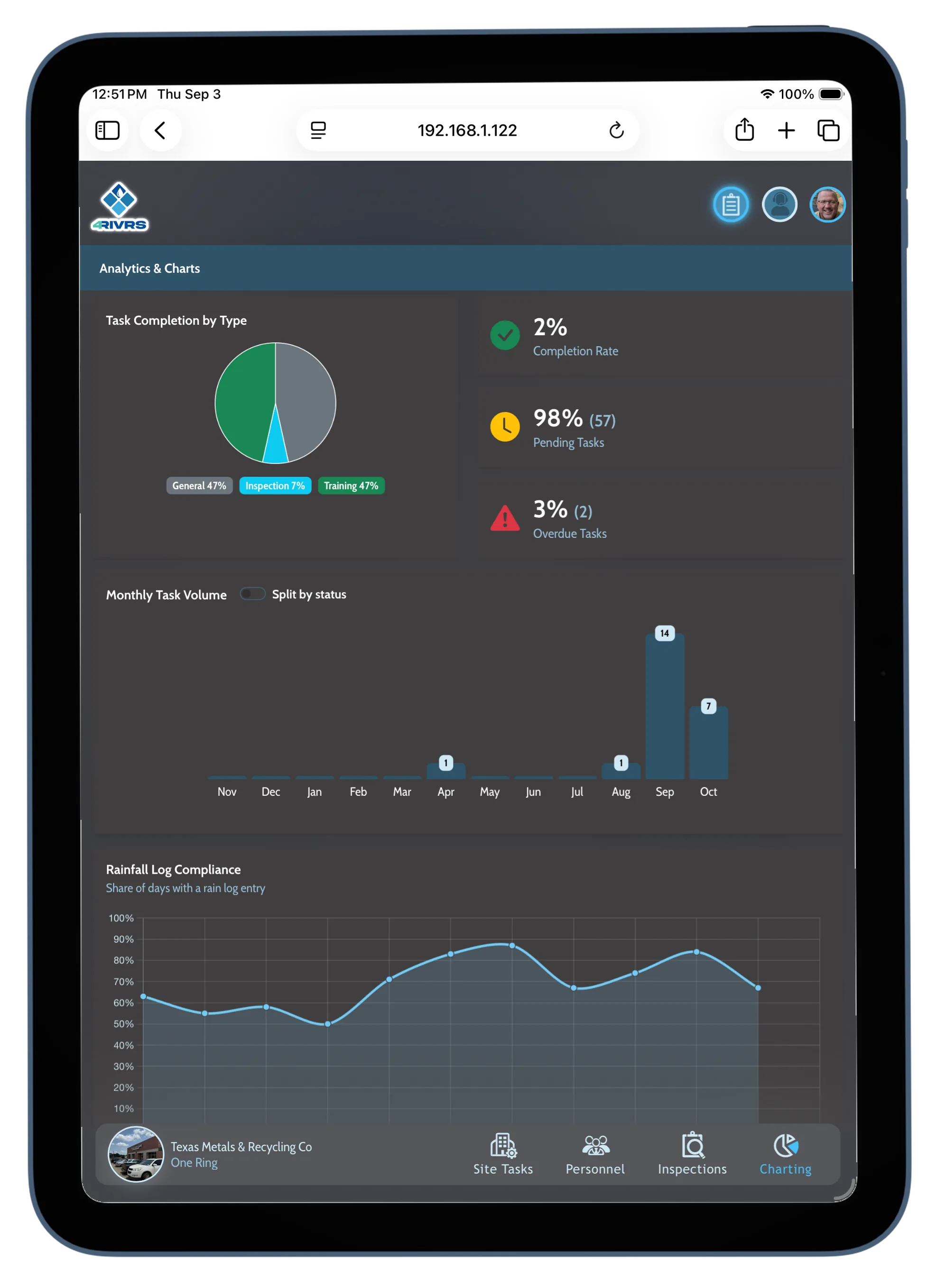
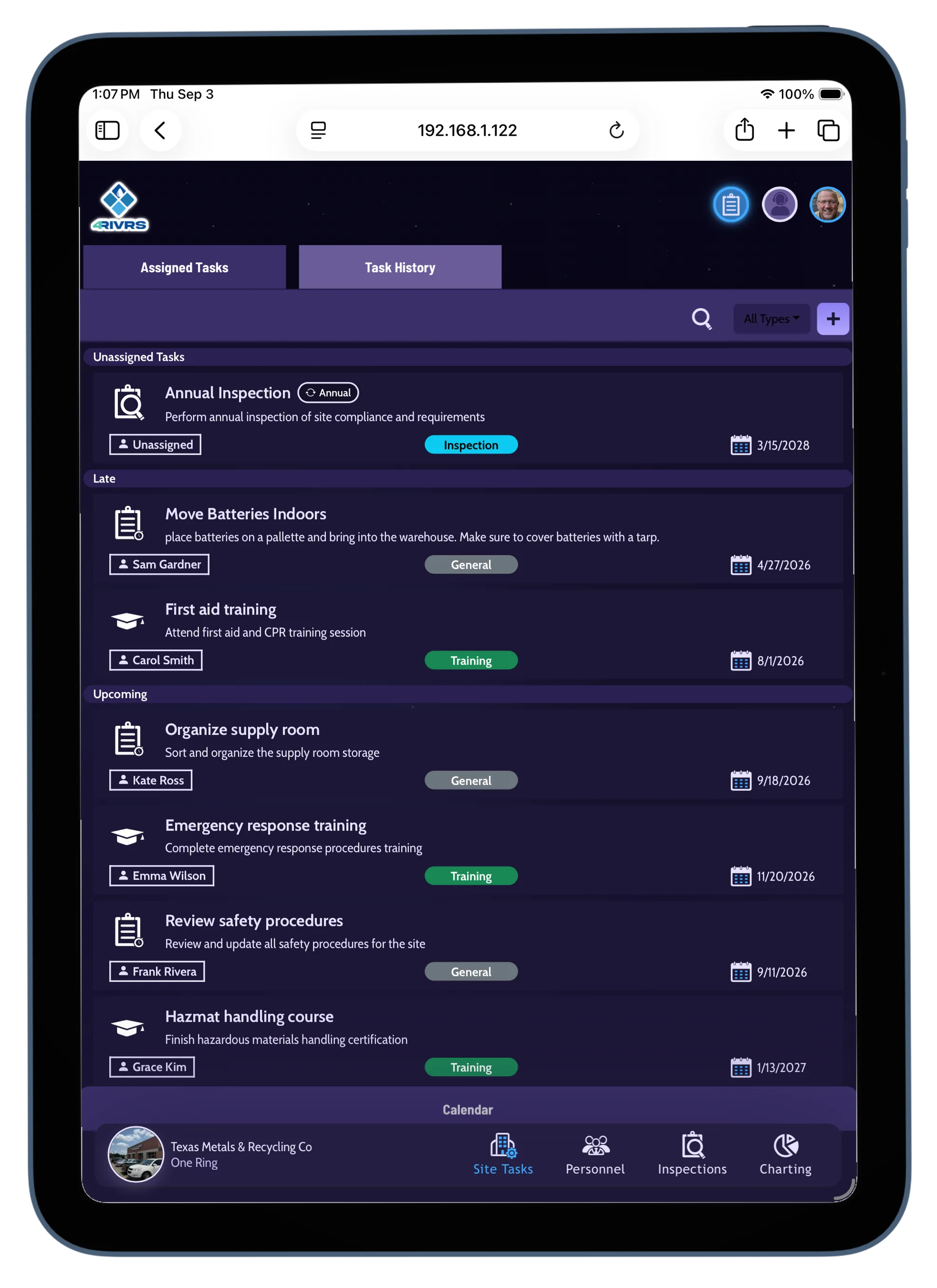
Dark Mode
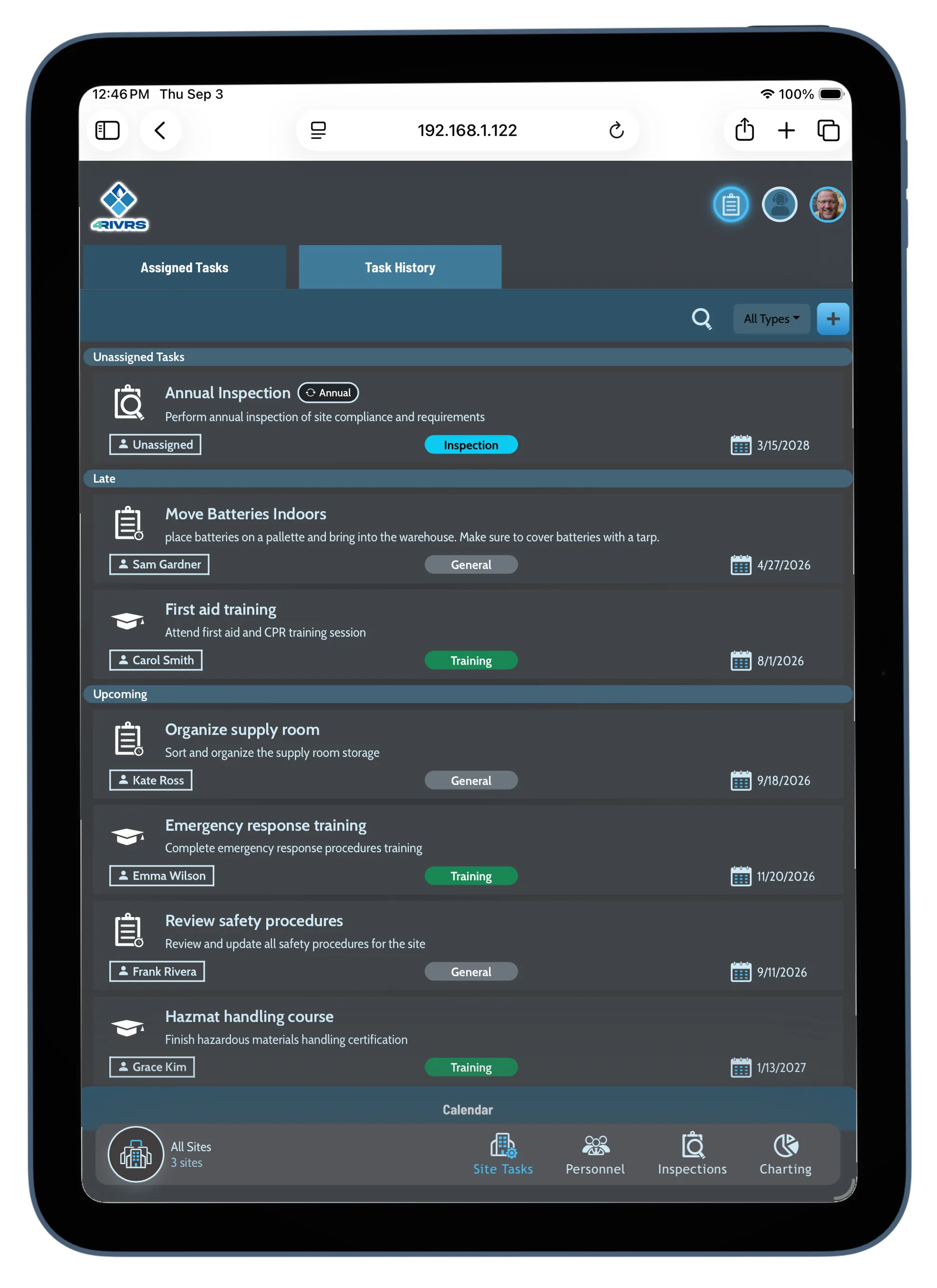
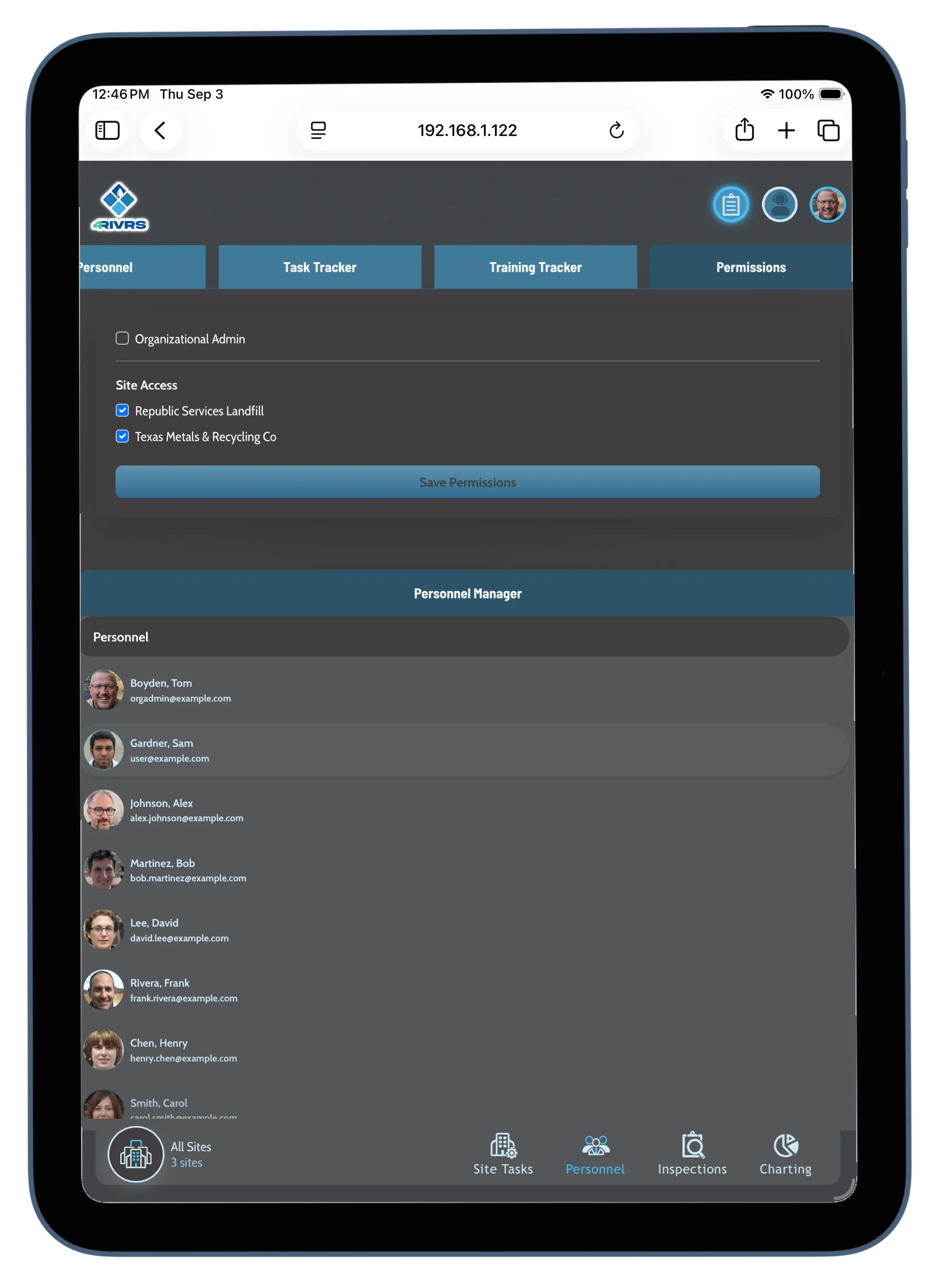
Vue3 dynamic code allowed the integration variety of assessibility features. Below are screens of the app in dark mode.
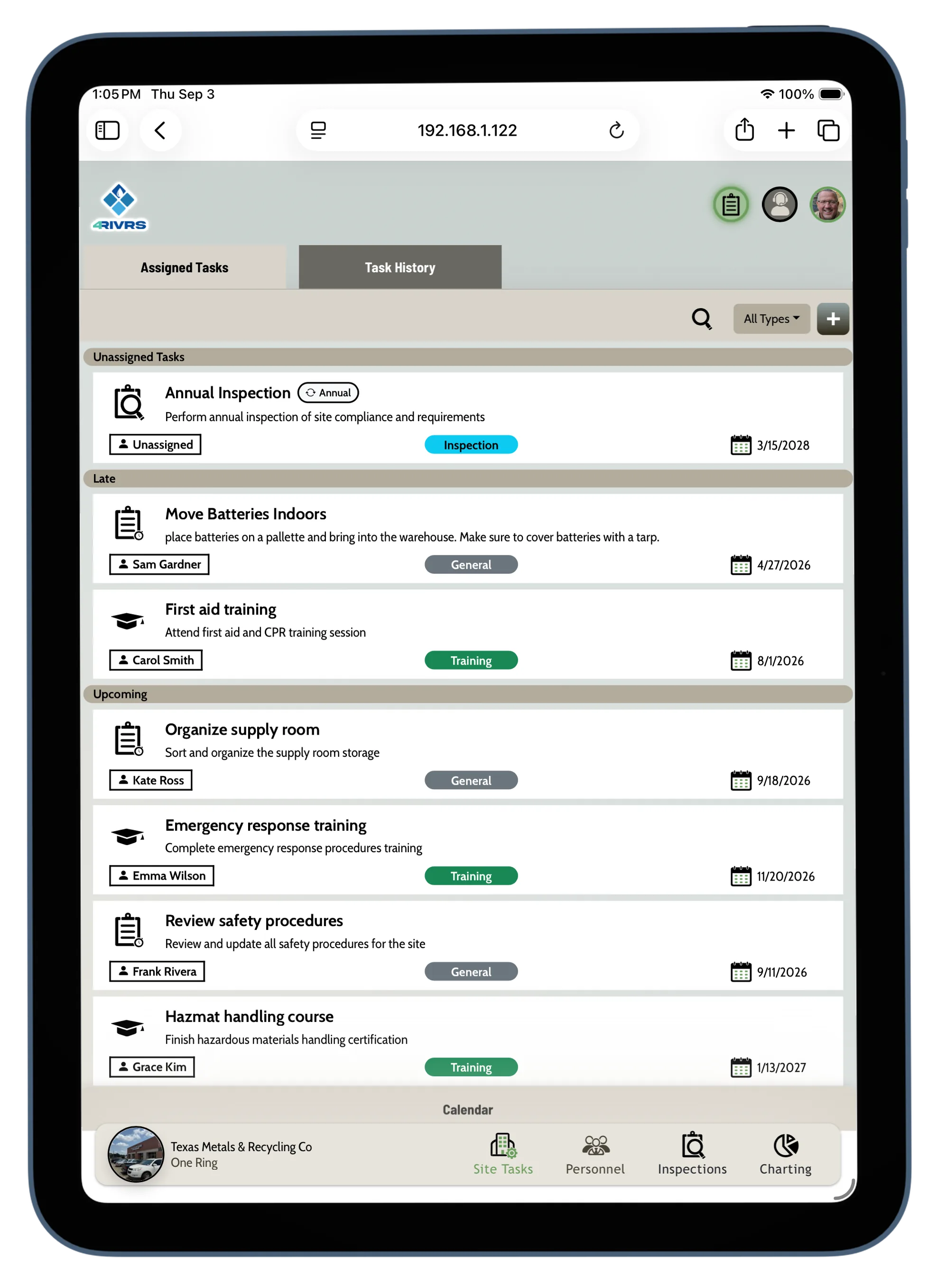
Color-Blind Options
And the below images show the four colorblind options.
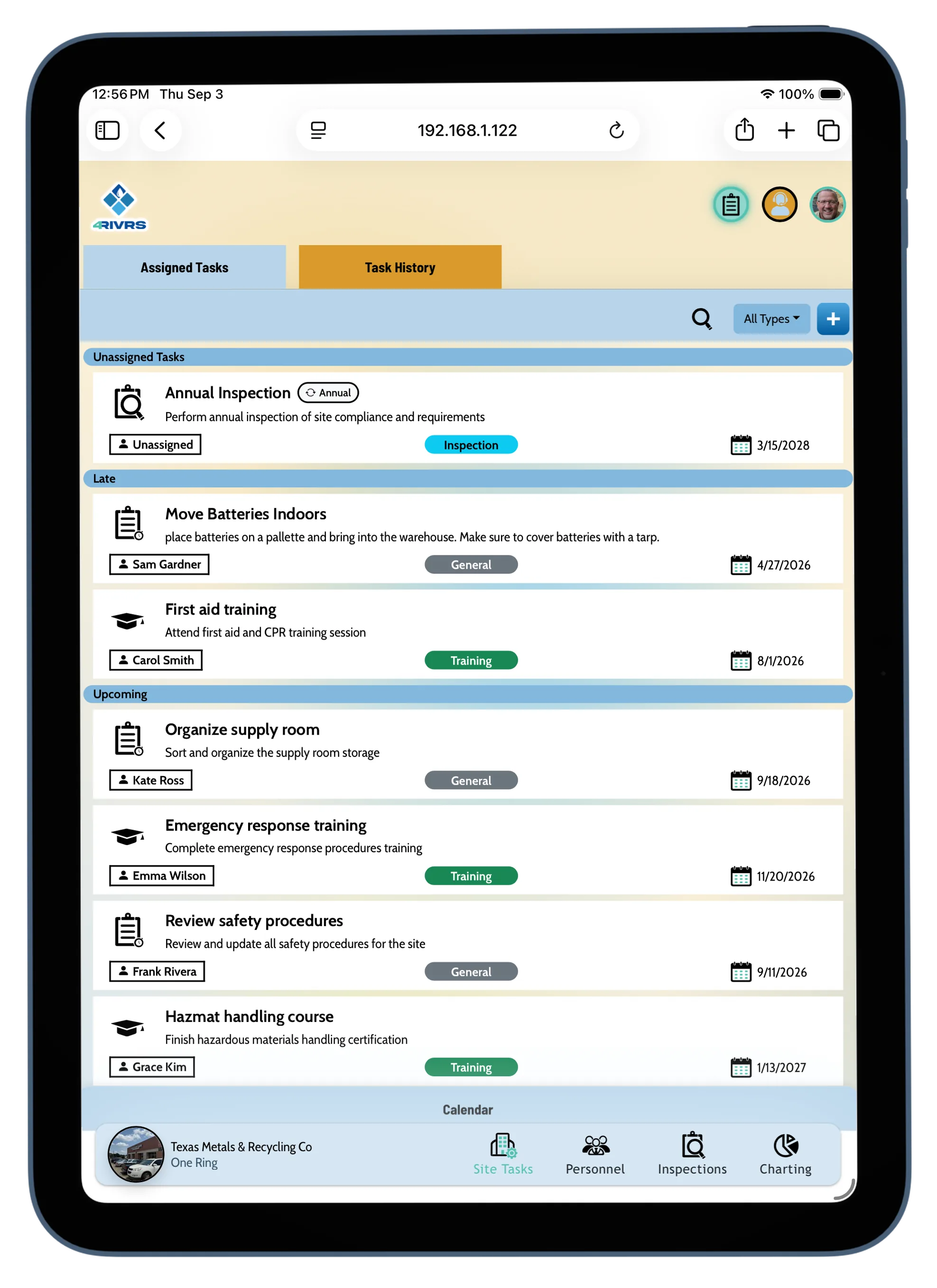
Protanopia
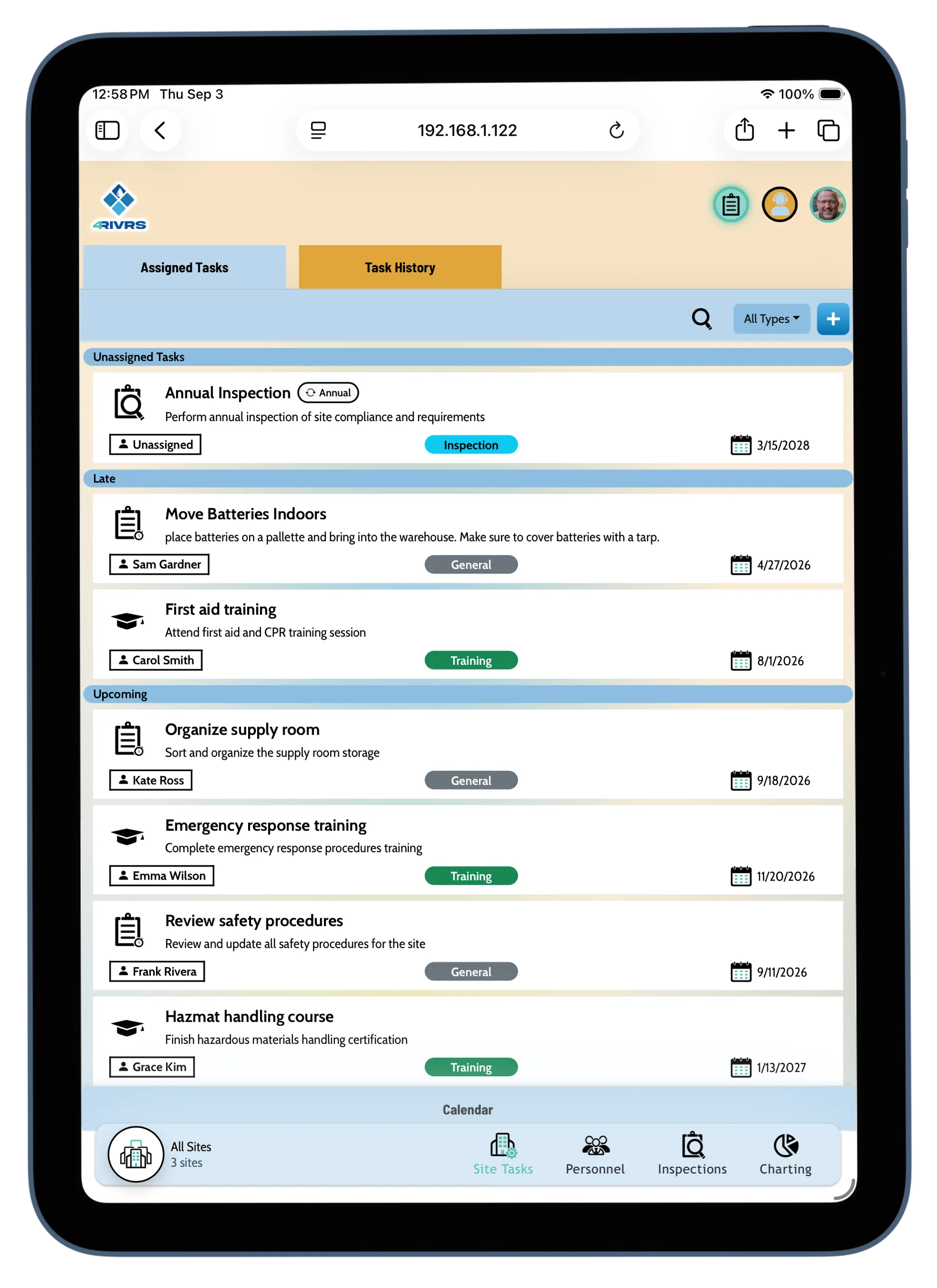
Deutranopia
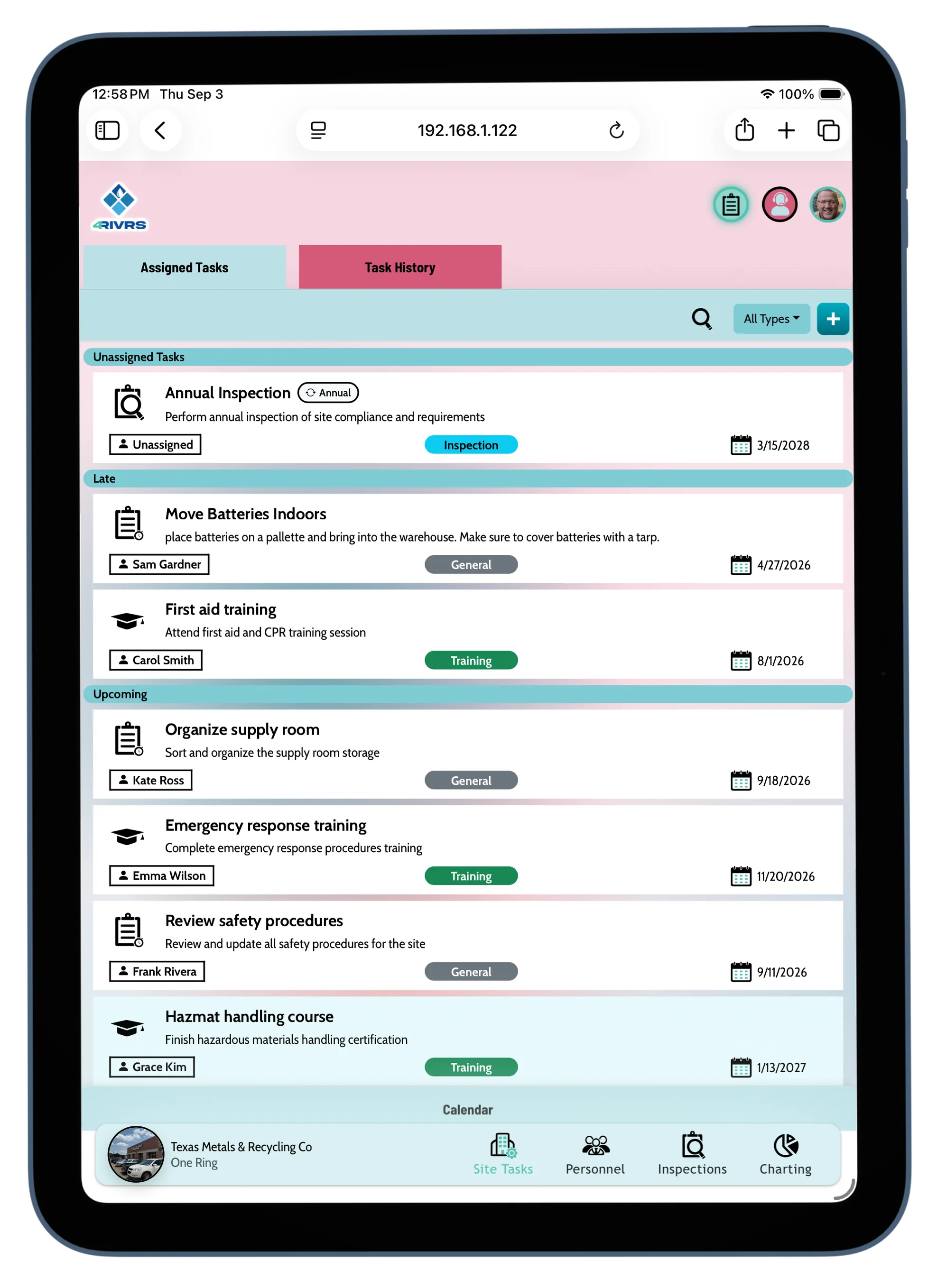
Tritanopia
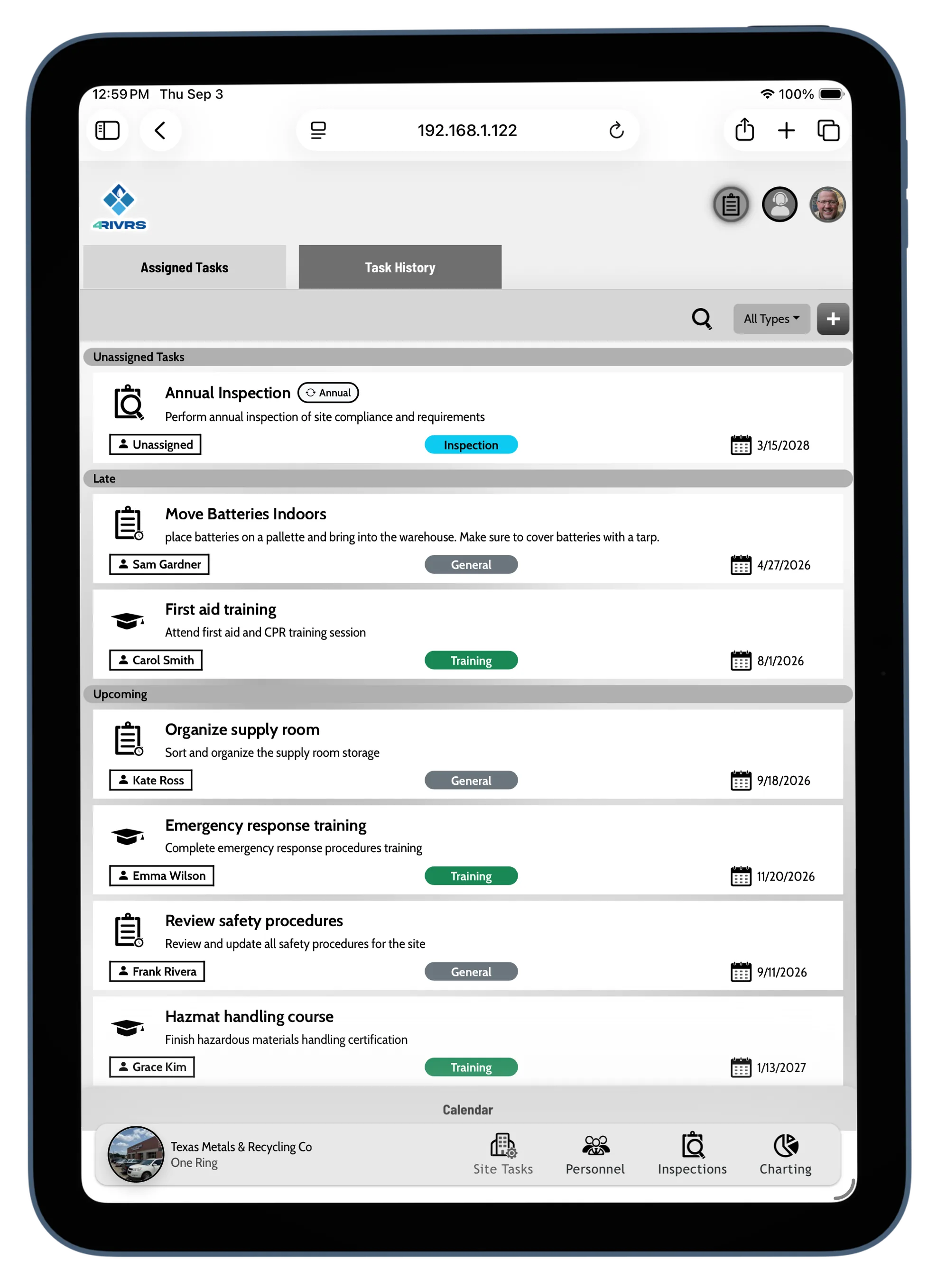
Achromatopsia
Left Handed Mapping Options
We held extensive testing to make sure operators could utilze the mapping and inspection functionality on the field.
This featured was developed specifically with mapping tablet use on the field in mind.
This featured was developed specifically with mapping tablet use on the field in mind.
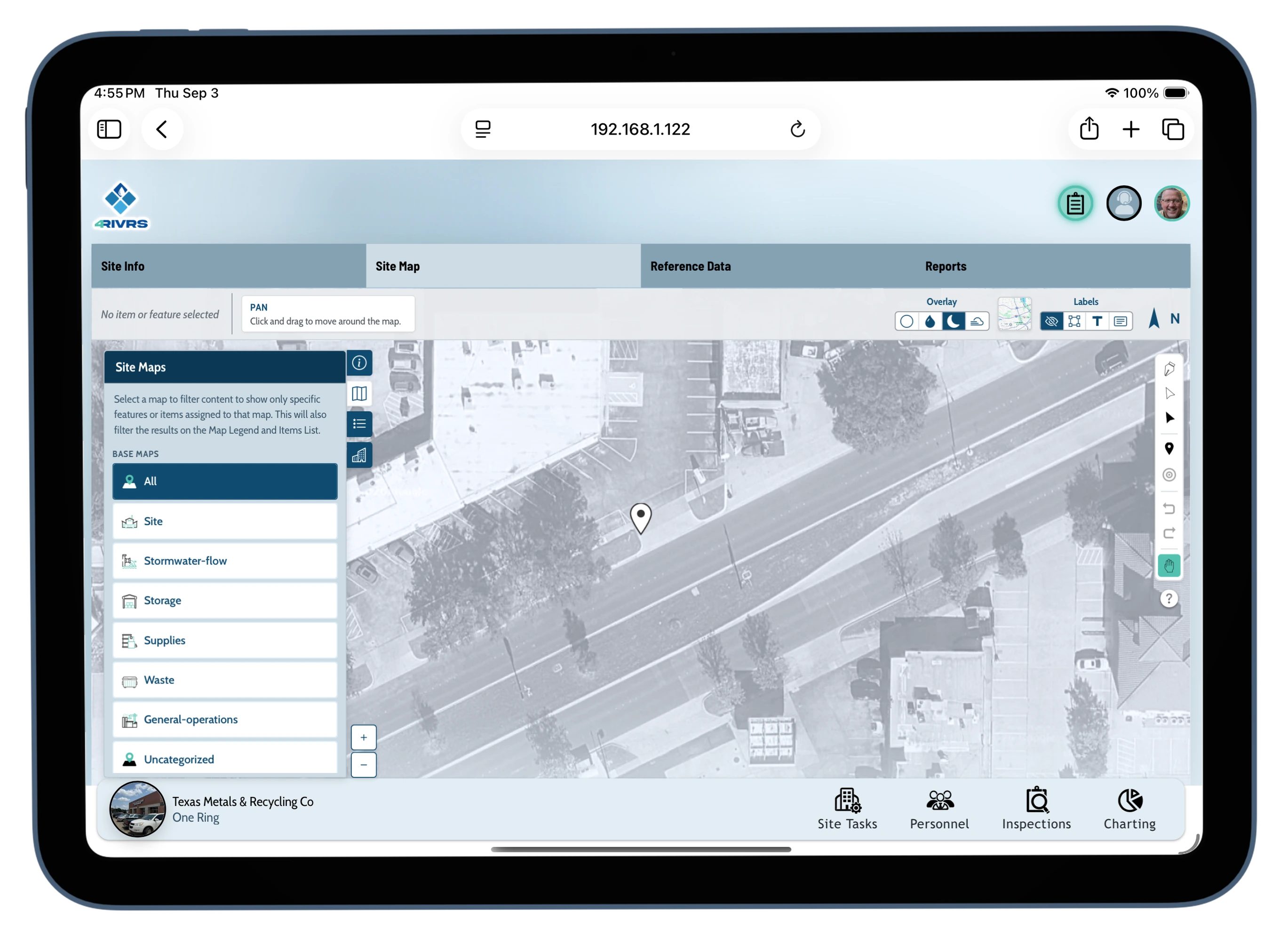
Left Handed
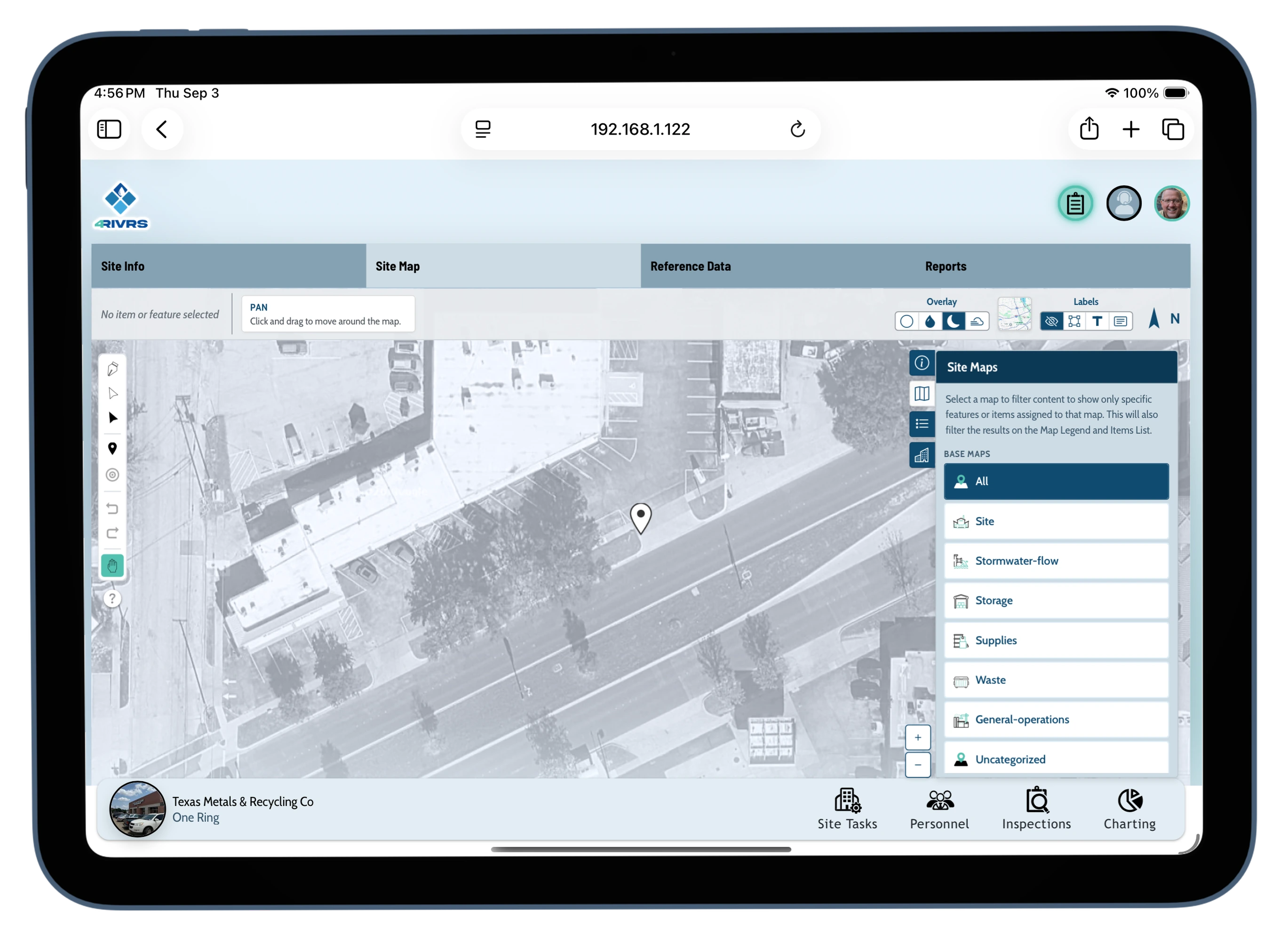
Right Handed
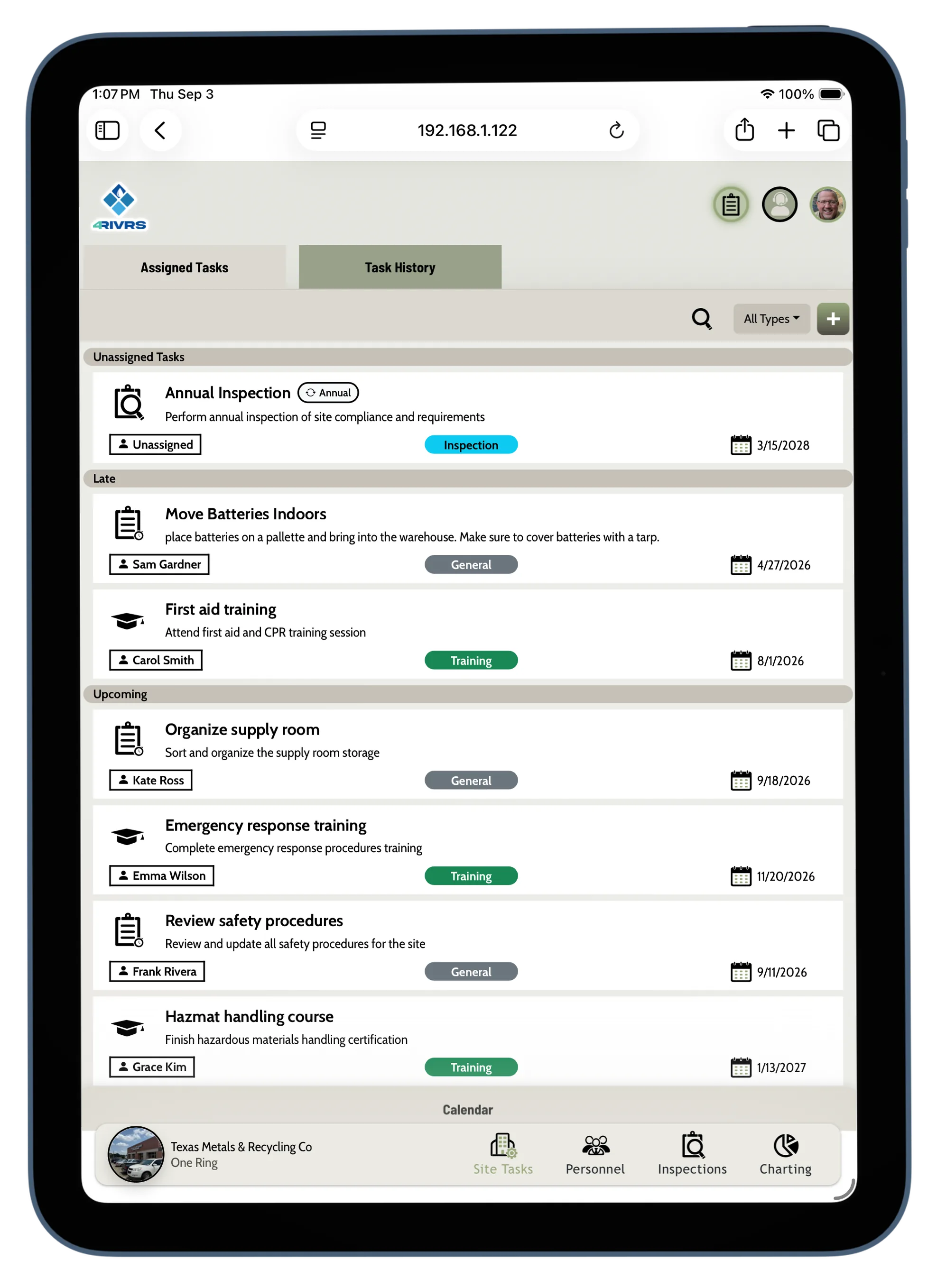
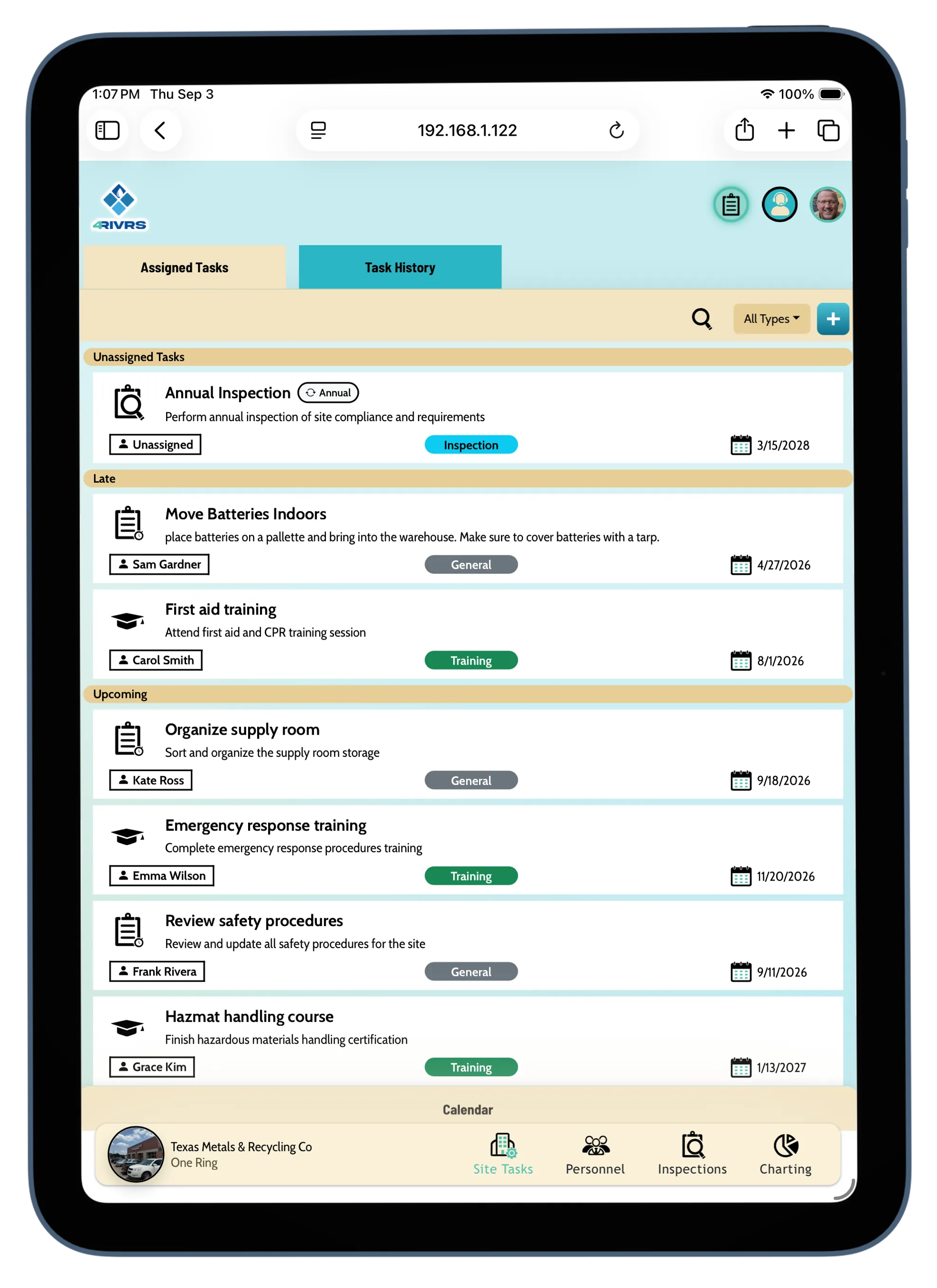
Additional Themes
Additional themes added for further user customization.
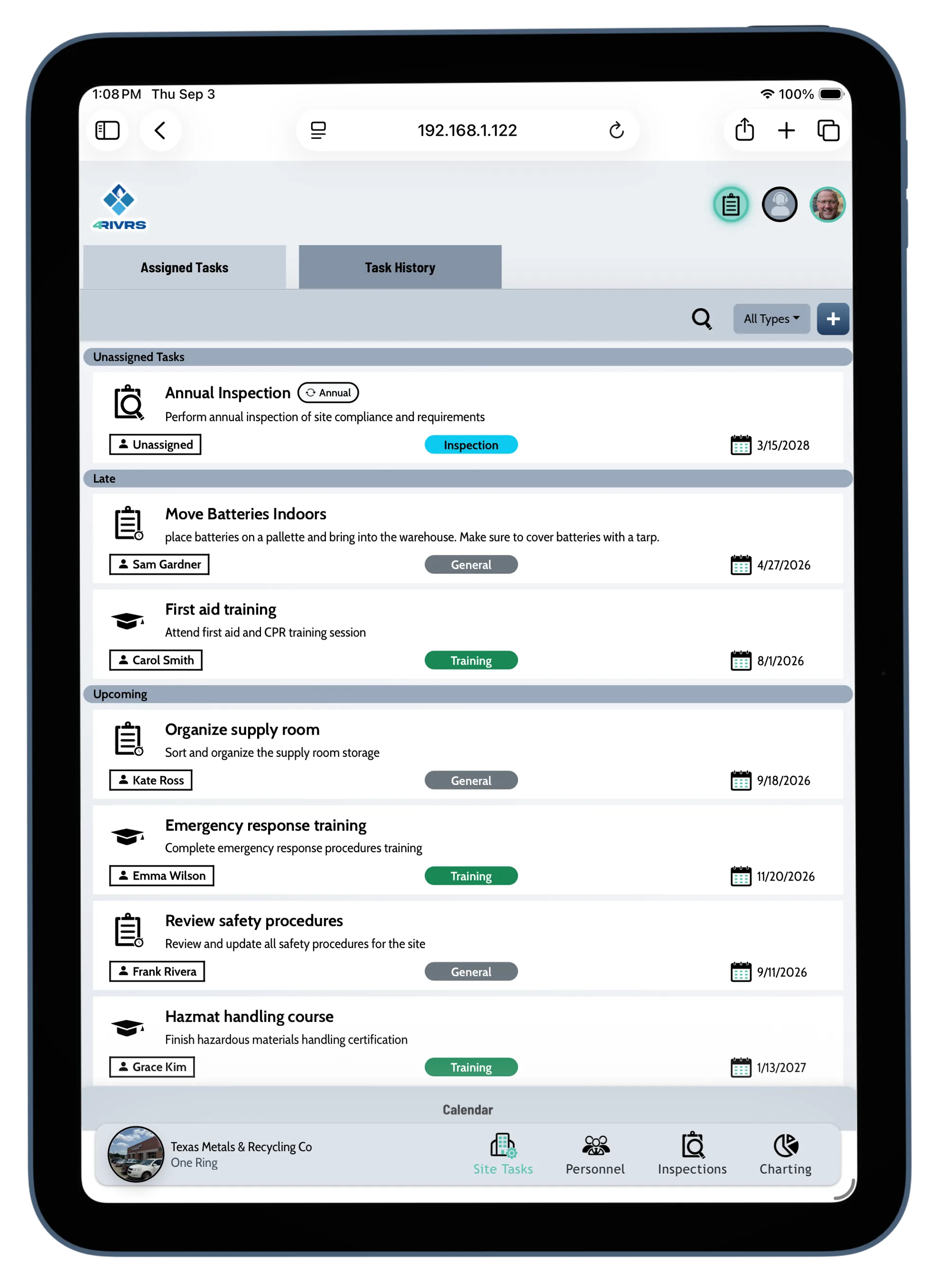
Marketing
Marketing Tools
I provided several marketing tools for 4rivrs to improve the sales team's collateral. In this role, my focus was
developing tools based on the request of the sales team.
I was not involved in the strategy of marketing development, only the implementation. That said, many of my tools would be used to help further drive communication for marketing.
I was not involved in the strategy of marketing development, only the implementation. That said, many of my tools would be used to help further drive communication for marketing.
Videos
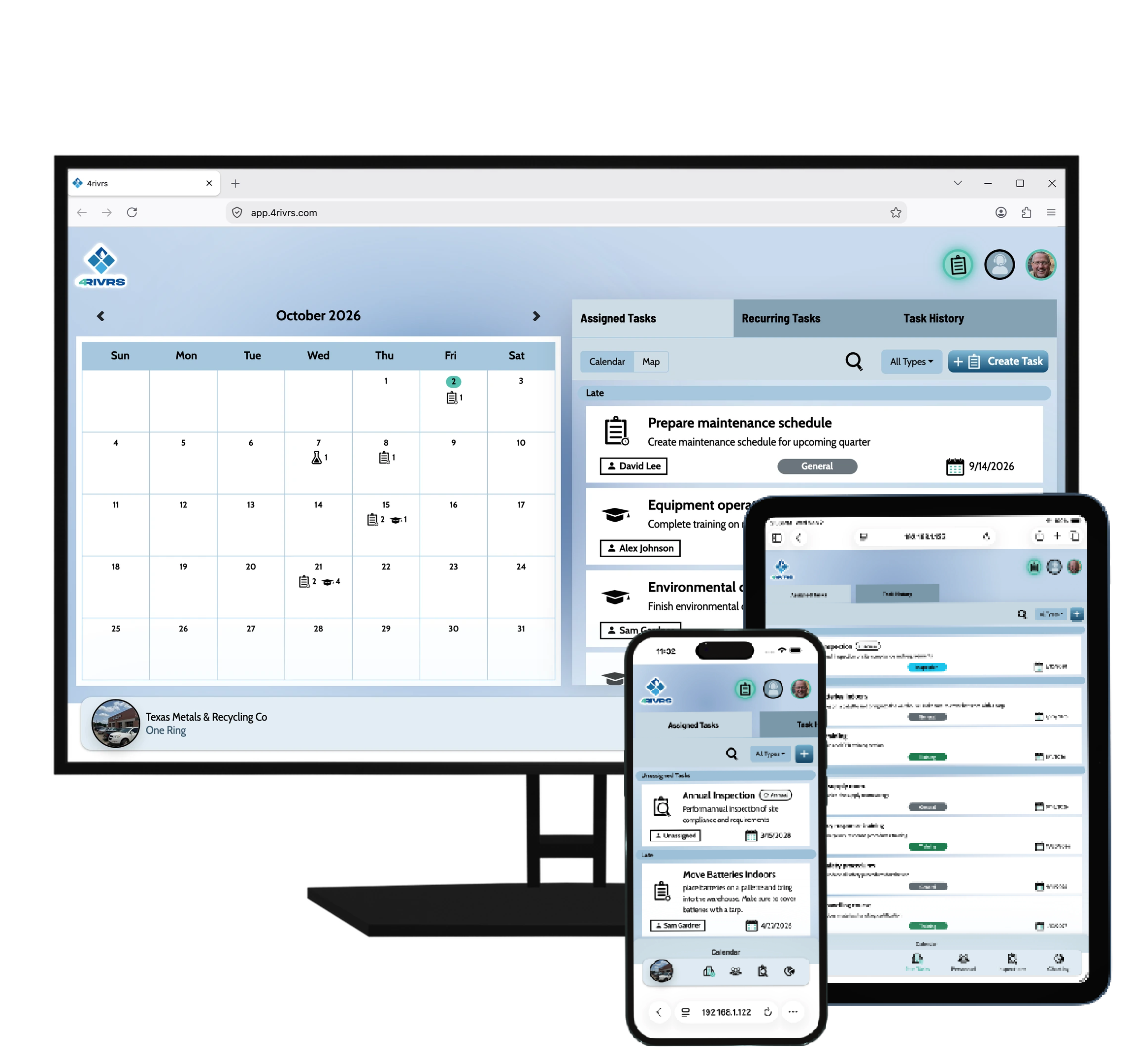
I provided a set of videos for sales and customer support. These videos were created during a crunch period, requiring a fast development process.
I made the use of .obj files to create my own device manipulation and modified screen recordings to present the content.

Presentations
The Sales Department requested several powerpoint presentations under a tight deadline. I created an interactive gif based presentations to show off the features of the app. I have one listed below.